Best Digital Planner Apps For iPad Mini 2025 Busy Moms Love
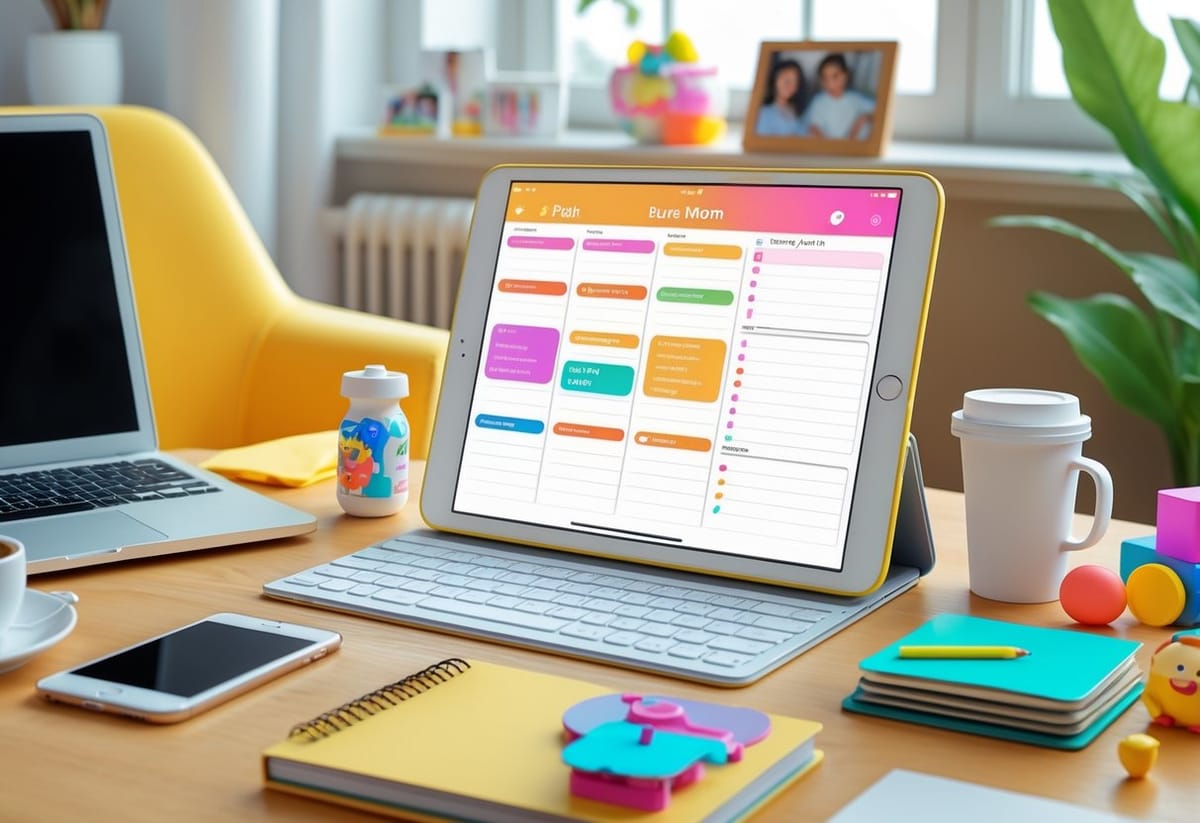
Between school runs, home chores, and side hustles, moms handle more tasks in a day than most planners can track. The right iPad Mini app can turn that chaos into calm. The best digital planner apps for iPad Mini in 2025 help busy moms stay organized, save time, and keep every part of life running smoothly. From syncing family events to color-coding work projects, these tools make daily planning easier and more flexible.
She can jot down grocery lists while waiting in the pickup line or use goal templates to map out the week ahead. Apps like GoodNotes and PlanWiz offer handwriting options and smart lists that fit perfectly on the iPad Mini’s screen. Some planners even integrate with calendars and reminders to streamline schedules.
For moms who like structure, options such as Top 3 Digital Planners for iPad Mini 2026–2027 provide ready-to-use templates that blend creativity with practicality. Custom layouts, daily routines, and home management pages turn a digital planner into a one-stop command center for life’s moving parts.
Key Takeaways
- Digital planners simplify family schedules and personal goals in one place.
- iPad Mini apps offer flexible templates and handwriting features.
- Integration with calendars and reminders helps maintain daily balance.
Why Digital Planners Are a Lifesaver for Busy Moms
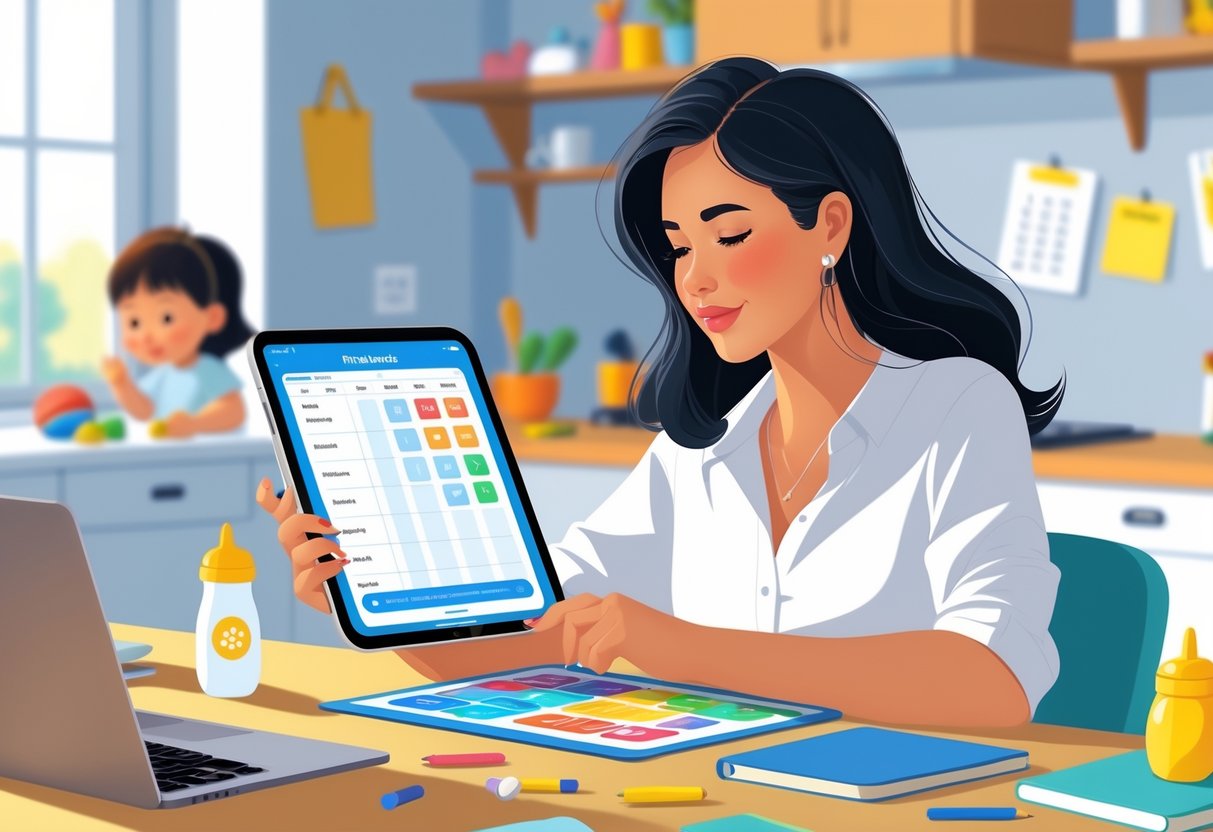
Digital planners help moms save time, reduce stress, and keep every part of family life in sync. They bring structure to hectic days by combining schedules, reminders, and lists in one simple system that fits right on an iPad mini.
Digital Planning Vs. Paper Planners
Paper planners can feel satisfying to write in, but they often get bulky and hard to carry. A digital planner on an iPad mini keeps everything in one lightweight device. It lets moms link calendars, add photos, and color-code events. Tools like GoodNotes or Notability make handwriting notes flexible while offering instant search features.
Unlike traditional notebooks, digital planners don’t run out of pages or require flipping through tabs. Busy moms can edit or duplicate layouts—like weekly meal plans or homework checklists—with a tap. According to Family Daily, digital planning has become a lifeline because it centralizes appointments and to-do lists without the clutter.
A quick-start tip: Try a simple daily template with three core sections—Top Priorities, Errands, and Family Notes. It keeps focus where it matters most.
Balancing Family and Work With Technology
Moms who juggle school runs, client calls, and family meals benefit from planners that sync across devices. An iPad planner can connect to Google Calendar or reminders, helping them manage both kids’ soccer practices and virtual meetings. They can share sections with spouses or older kids, so everyone sees the same schedule.
Using color labels helps visually separate family, home, and business tasks. For instance, pink could mark self-care time and blue the kids’ events. Digital apps often include widgets or alerts so nothing slips through the cracks. The Mommy Moxie guide highlights that moms use these systems to manage multiple roles with less stress and more flexibility.
To streamline mornings, she could automate reminders—like a pop-up fifteen minutes before pickup or an alert on grocery refill days.
Eco-Friendly and Clutter-Free Benefits
Switching to a digital planner means fewer paper stacks, lost sticky notes, and empty ink cartridges. It’s a small but meaningful eco-friendly change for families trying to reduce waste. Over time, it cuts costs on paper planners, pens, and accessories.
Digital planners store years of archives without taking up physical space. Moms can back up their journals, budgets, and menus to cloud storage. This makes past information easy to reference when planning new routines.
As Blanc Planner explains, digital systems help keep life organized and efficient without the mess of traditional binders. Moms can enjoy a tidy desk and a clear mind—something every household coordinator deserves.
Key Features Moms Should Look For in iPad Mini Digital Planners
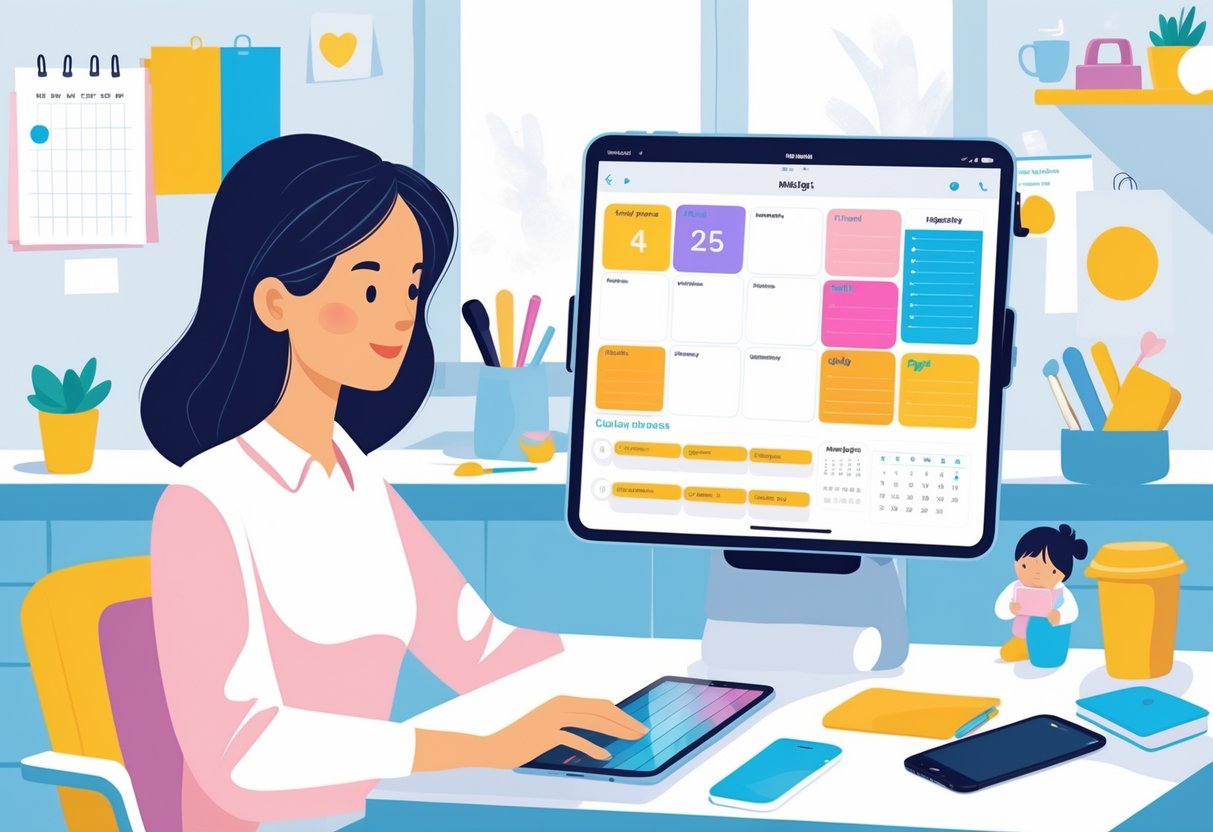
Moms juggling home and work need digital planners that do more than just look pretty. The best tools help manage priorities, sync with devices, and offer smooth handwriting support for quick note-taking on the go.
Task Management and Prioritizing
Moms need task systems that make daily life smoother. A planner with color-coded lists, reminders, and goal trackers helps separate family, personal, and business duties. Apps such as the Astropad top-rated iPad planners include smart organization features compatible with Goodnotes and Notability—two platforms busy parents often rely on.
Breaking tasks into small steps keeps things manageable. For instance, label one list “Morning Routine,” another “Errands,” and a third “Work.” Use recurring alerts for weekly groceries or school pickup reminders. Moms can also try templates made for habit tracking or meal planning, both common needs for families with packed schedules.
Keeping lists short but focused reduces mental load. The goal is to see everything in one glance, not to make things perfect.
Handwriting Recognition and Apple Pencil Support
Many moms love the feeling of writing by hand but need the flexibility of digital tools. That’s where handwriting recognition and Apple Pencil support come in. These features let users jot quick notes, which the planner then converts into text. Apps like those reviewed by ePlannerHub offer strong writing tools that combine creativity with practicality.
For quick tips:
- Use gesture shortcuts to erase or highlight important tasks.
- Keep a template page for quick grocery lists or kid activity notes.
- Choose planners that support pressure sensitivity for smoother Apple Pencil strokes.
This setup lets moms switch between writing reminders for school projects and digital checklists without missing a beat.
Calendar Integration for Family Scheduling
A digital planner should sync easily with the iPad’s built-in calendar or iCloud. This calendar integration keeps everyone’s events—school trips, appointments, and work meetings—in one place. According to StuckAtHomeMom’s iPad planner reviews, syncing across devices helps prevent scheduling mix-ups.
For smoother coordination, moms can:
- Create shared calendars with partners or childcare helpers.
- Set color codes for each family member.
- Use push notifications for overlapping events.
The iPad Mini’s compact size makes it simple to carry, while a connected calendar ensures nothing slips through the cracks—whether it’s a dentist visit or a deadline for a client project.
Top Digital Planner Apps for iPad Mini in 2025
Busy moms often need tools that help them plan family events, manage school schedules, and run their businesses all from one place. The most effective iPad planner apps combine handwriting support, cloud syncing, and easy customization so every list and reminder fits smoothly into daily life.
GoodNotes: The Family Organization Powerhouse
GoodNotes stands out as an all‑in‑one digital notebook and planner that feels natural on the iPad Mini. Its handwriting recognition turns messy notes into searchable text, which saves time when looking for a grocery list or a client idea. The app works smoothly with styluses like the Apple Pencil, making quick note‑taking easy even while juggling snacks or soccer bags.
Moms can use ready‑made weekly planner templates or import custom ones from Etsy shops. These layouts help color‑code sections for family, business, and self‑care. GoodNotes also syncs across devices through iCloud, so she can check her lists from her phone while waiting in the pickup line.
For those exploring app roundups, Astropad’s list of best digital planners for iPads in 2025 highlights GoodNotes as a top option for keeping family life organized and accessible.
Notability: Juggling Notes and Schedules
Notability shines when a mom needs to capture thoughts fast while switching between tasks. It blends typed notes, handwriting, and audio recordings in one page, so she can record a voice memo about tonight’s dinner while drafting tomorrow’s work plan. The simple interface means there’s no steep learning curve, even for beginners.
Adding hyperlinked daily templates helps turn Notability into a working planner. Moms can set up reusable pages for meals, appointments, and chores. Color highlighting and stickers keep tasks fun for kids who like to help check things off.
According to PlanWiz’s 2026 planner app comparison, Notability ranks high for flexibility and usability—features busy moms appreciate when switching between personal and professional roles during the day.
Noteshelf: Handwritten Planning With Flair
Noteshelf offers handwriting that feels almost like real paper but with digital convenience. Moms who love pretty planners will enjoy stylish covers, pen colors, and template designs that make organization feel personal. It supports both handwriting and audio notes, great for recording quick thoughts during errands or bedtime routines.
A practical tip is to set up separate notebooks—one for home tasks, one for kids’ activities, and another for business goals. Noteshelf lets her tag each entry, then find them later using its quick search feature. The app also allows importing PDF planners like meal trackers or expense logs to keep everything in one place.
For those curious about more PDF‑based options, iPadPlanner’s 2026‑2027 guide to iPad Mini digital planners notes that Noteshelf combines handwriting comfort with the flexibility of modern digital planning tools.
Planner Templates and Workflow Customization
For busy moms using an iPad Mini, the right planner templates save time and keep daily routines manageable. Choosing flexible designs and learning small tweaks to personalize them can turn a basic digital planner into a tool that truly fits family life and side-hustle demands.
Choosing Pre-Made vs. Custom Templates
Pre-made templates work well for moms who want an easy start. Many digital planner apps, such as those featured in The Best Apps to Use Digital Planner Workflows in 2025, offer ready-made layouts for daily or weekly tracking. These come with preset task lists, time blocks, and to-do areas—ideal for coordinating school runs, work calls, and errands in one view.
Custom templates, on the other hand, let users adjust the layout and colors to match personal habits. With apps like GoodNotes or Notion, she can drag sections to new spots or add widgets for shopping lists or budget logs. Customizing saves time long-term because every element fits her family’s specific rhythms.
A simple table can help compare both options:
| Feature | Pre-Made Templates | Custom Templates |
|---|---|---|
| Setup Time | Very quick | Slower at first |
| Flexibility | Limited | Highly flexible |
| Best For | Beginners | Experienced users |
For moms easing into digital planning, starting with pre-made templates and slowly adapting them offers the best balance of structure and flexibility.
Adapting Templates for Meal Planning and Chores
Meal planning and household chores often fill a mom’s busiest hours. Using editable planner templates makes these tasks more manageable. Apps highlighted in Best Planner Apps in 2026 include daily trackers that sync shopping lists and reminders—perfect for syncing recipes with grocery deliveries.
She can add a weekly meal planner section with spaces for breakfast, lunch, dinner, and snacks. By color-coding meals, it’s easy to spot where leftovers fit in or when a slow cooker meal works best. A quick tip: duplicate last week’s plan to save time and adjust for what’s already in the pantry.
For chores, creating repeating tasks—like “laundry,” “kitchen clean-up,” or “kids’ room reset”—keeps routines predictable. Some moms choose icons (🧺 or 🍽️) instead of text to make lists more visual. Connecting these tasks to calendar alerts helps her avoid overwhelm and spread cleaning evenly through the week.
Over time, these small edits help digital planners feel more personal and practical without adding extra effort.
Integrating Planner Apps With Other Productivity Tools
Busy moms who use an iPad Mini can save time by blending planner apps with tools that manage projects and home life. Linking task boards, calendars, and shared lists keeps work and family plans in one place. The goal is to reduce app juggling and make daily routines flow naturally.
Syncing With Trello and Other Project Managers
Digital planners often sync smoothly with project management tools like Trello, Asana, or ClickUp. This setup helps moms view both household and business tasks on the same screen. A card added in Trello can appear as a to-do item or reminder inside the planner app — no double entry needed.
Tip: In most cases, users can connect Trello by opening the planner app’s integration menu, choosing Trello, and signing in. After syncing, boards and lists appear in a daily, weekly, or monthly planner view. She can drag tasks between days or set deadlines directly from her iPad Mini.
Here’s a quick setup list:
- Create a Trello board for each focus area — home, kids, business.
- Label cards by urgency or category.
- Link the board to the digital planner (e.g., GoodNotes, Zinnia, or NotePlan).
- Enable calendar view for quick reference.
According to Week Plan’s overview of digital planner apps, this type of integration allows smoother workflows and prevents missed tasks.
Collaboration and Sharing With Family
Family sharing turns a solo planner into a teamwork hub. Moms can connect their planner apps with shared cloud calendars like Google Calendar or Apple Calendar. This sync lets partners and kids see school events, grocery days, and appointments instantly.
Color-coding events makes coordination easier. For instance, pink for school, blue for chores, and green for business. Many digital planners, such as those listed in the EplannerHub roundup of top iPad planner apps, support multi-calendar integration and real-time sharing.
A handy routine could look like this table:
| Task Type | Shared Tool | Frequency | Notes |
|---|---|---|---|
| School events | Google Calendar | Weekly | Sync with kids’ calendar |
| Meal planning | Planner app + shared notes | 2x weekly | Attach grocery list |
| Business calls | Trello or planner tasks | Daily | Link Zoom details |
By syncing calendars and setting alerts that everyone can see, moms keep everyone’s schedule visible and reduce those last-minute surprises that often derail the day.
Tips for Making the Most of Your Digital Planner
A busy mom can save time and mental energy by setting up an iPad planner that fits her daily rhythm. Simple routines, clear goals, and smart use of features like reminders or templates make digital planning easy to keep up with and actually useful.
Daily and Weekly Planning Routines
A mom juggling work, home, and kids can start each morning by reviewing her digital planner. She should open her app—such as GoodNotes or Notability—and spend five minutes checking today’s schedule. Color coding school events, appointments, and work blocks helps keep priorities visible at a glance.
Weekly reviews work just as well as a mini reset. On Sunday evenings, she can scroll through her planner, drag unfinished tasks forward, and add new goals. Breaking big plans into daily actions makes them less stressful and easier to track.
Most apps allow reusable templates for grocery lists, chores, or self-care checklists. Moms can copy these pages into each week to save time. Using widgets or reminders for must-do tasks, such as “pick up from soccer” or “meal prep,” ensures nothing slips through the cracks.
Here’s a simple structure that works:
| Time | Focus | Notes |
|---|---|---|
| Morning | Errands or meal prep | Quick wins start the day strong |
| Afternoon | Work tasks | Use split-screen to multitask |
| Evening | Family and rest | Review tomorrow before bed |
Staying Consistent With Digital Planning
Consistency comes from keeping the setup simple. A mom doesn’t need fancy stickers or endless pages—she just needs what gets used. Setting aside the same time each day, like right after breakfast, helps make digital planning a habit instead of another chore.
If motivation dips, automation helps. Apps like Google Keep and Notability allow voice notes, reminders, or quick photos of handwritten lists. That flexibility matters when she’s planning while holding a toddler.
Creating a “defaults” page can also make it easier to stay on track. For example:
- Top Three Priorities: work, home, personal
- Recurring Tasks: meal planning, bill pay, kids’ activities
- Quick Links: school calendar, grocery list, fitness tracker
Over time, these habits build steady progress. The goal isn’t perfection—it’s feeling organized enough to breathe a little easier each day.
Frequently Asked Questions
Digital planning on an iPad mini helps moms stay on top of family life, work, and personal goals. The right app saves time by syncing tasks, notes, and schedules, all in one place. Many offer handwriting support, daily templates, and easy sharing tools to keep everyone organized.
What's the top free planner app for managing a busy mom's schedule on the iPad mini?
PlanWiz stands out for moms looking for free features without limits. It provides drag‑and‑drop scheduling, to‑do lists, and reminder alerts that sync across devices. According to the PlanWiz app rankings, its free tools beat many paid apps for everyday organization.
A good way to start is by creating a “morning prep” checklist—add school reminders, grocery runs, and lunch prep in one view. Moms can duplicate this checklist weekly to save setup time.
Can you recommend a digital planner that works great with Apple Pencil for my iPad?
GoodNotes is one of the most loved options for Apple Pencil users. It lets moms write naturally, just like on paper, and link notes to specific calendar dates.
Try using color codes—blue for kids’ events, pink for personal goals, green for business tasks. This simple system helps divide focus and makes it easier to review the week at a glance.
Hey mama, any suggestions for a digital planner that can handle our hectic family life and business tasks?
A premium planner like Notability gives users flexibility for both family management and business planning. It stores meeting notes, grocery lists, and school reminders in separate notebooks that look polished and professional.
Many moms use templates shaped around dual roles—morning routines for kids and afternoon freelance blocks. Creating two linked pages, one for family and one for business, can keep priorities balanced.
As a busy mom, which iPad planner app would you say is easiest to use when you're always on the go?
Zinnia offers a simple, tap‑to‑plan layout that works fast even when multitasking. It emphasizes visual layouts and quick widgets, perfect for editing during lunch breaks or carpool waits.
For practical use, moms can set up a “quick‑capture” page for sudden errands or homework notes. Later, they can drag those items into their main planner. It’s a time saver that prevents ideas from slipping away.
Looking for advice: what's the best no-cost digital planner for moms using an iPad mini in 2025?
Those on a tight budget should explore Astropad’s list of free planner apps. Many of these support common note‑taking apps and come with free daily and weekly layouts ready for download.
Moms can personalize a blank weekly template to match the flow of their day—morning school prep, midday errands, evening family time. Saving it as a reusable layout means less setup every Sunday night.
What iPad app would you trust to keep your family and side hustle perfectly organized, asking for a fellow mom-in-chaos?
A balanced option is Notability for structure and flexibility combined with iCloud sync. For a mom managing multiple roles, this allows her to store finances, kid activities, and project notes together. Another helpful choice, found in the top digital planners for iPad Mini, includes options optimized for smaller screens and portable planning.
Using folders named “Family,” “Business,” and “Me Time” keeps priorities visible. Each folder can host templates like a grocery list, invoice tracker, and self‑care checklist—all ready when she needs them.