Digital Happy Planner 2025 for Mom Entrepreneurs Review: Stay Sane and Organized
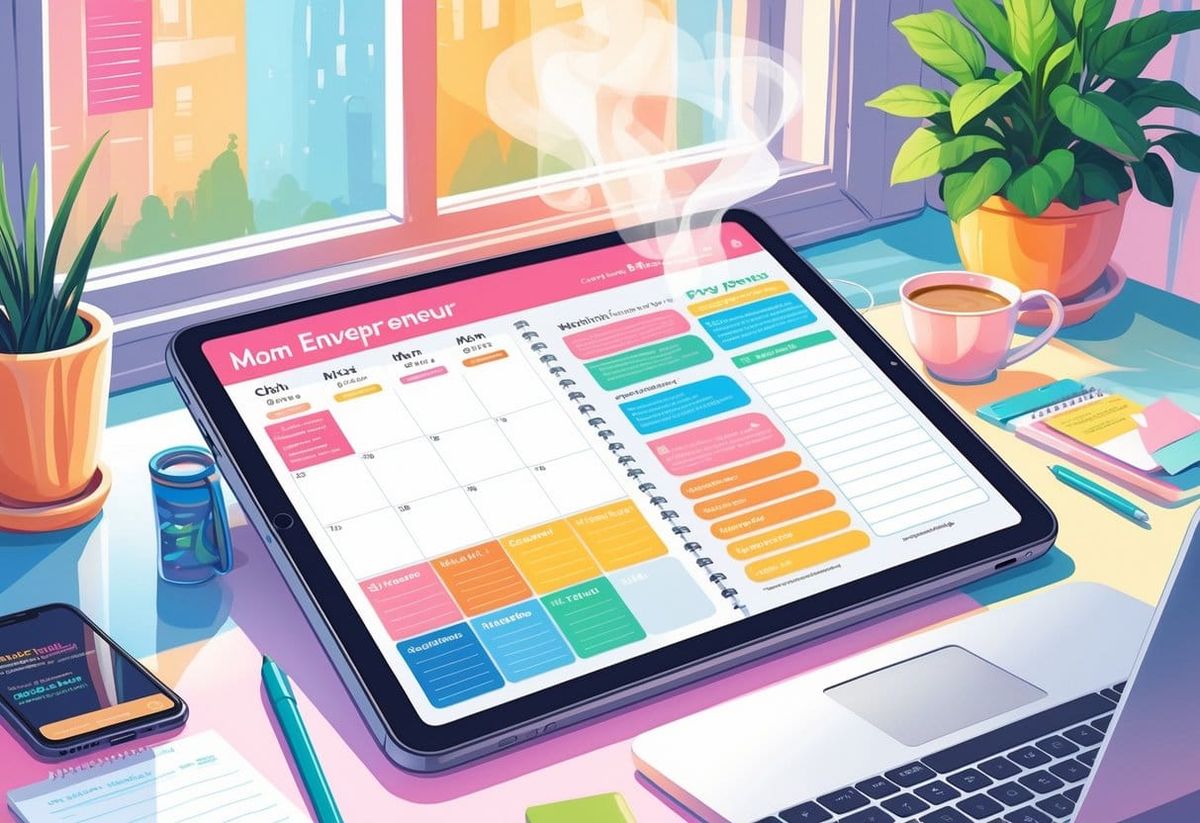
Running a business while managing home life can feel like juggling too many tabs open at once. Between client calls, school drop-offs, and dinner plans, staying organized becomes less of a choice and more of a survival skill. The Digital Happy Planner 2025 helps mom entrepreneurs simplify their schedules, set clear goals, and stay productive without the endless paper clutter.
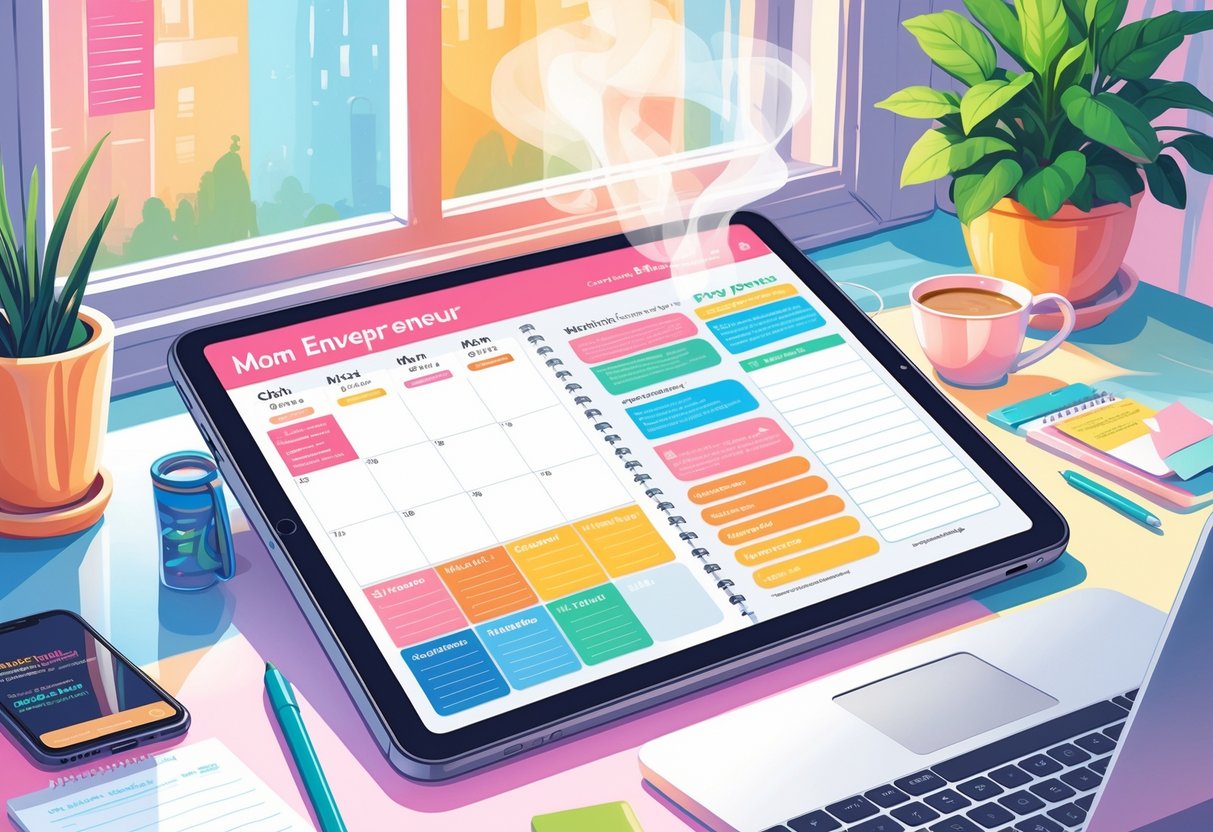
She can plan her entire week in one place—business meetings, personal goals, and even family activities. The planner’s templates make setting priorities simple, whether it’s tracking a product launch or scheduling self-care. Unlike traditional planners, it updates easily, syncs across devices, and keeps everything in one spot.
Small steps like color-coding tasks or using a pre-made morning routine layout can save time and boost focus. With thoughtful features designed for moms running businesses, it fits the balance between structure and flexibility that makes daily life smoother.
Key Takeaways
- The Digital Happy Planner 2025 helps busy moms stay organized and less stressed.
- Its digital layouts make managing business and personal life easier.
- Built-in templates and flexible tools fit everyday routines and long-term goals.
What Makes a Digital Happy Planner 2025 Different for Mom Entrepreneurs?
A Digital Happy Planner 2025 helps moms who manage both a household and a business stay organized without juggling multiple notebooks or apps. It blends flexible templates, time-saving layouts, and easy customization so she can plan days that include client meetings and soccer practices in one place.
Tailored Features for Busy Moms
Mom entrepreneurs often need tools built for their unique routines. Digital planners such as The Happy Planner’s customizable system let users add pages for meal prep, appointments, or kid activities and sync across devices for quick updates (The Happy Planner).
Daily dashboards with to-do checklists, priority boxes, and linked calendars help her see what needs action today versus what can wait. Many 2025 planners also support drag-and-drop stickers, icons, and widgets that make visual planning easier during fast-paced days.
A few quick customization ideas include:
| Task | Template Example | Benefit |
|---|---|---|
| Morning routines | 6 a.m.–9 a.m. time block | Keeps mornings consistent |
| Content planning | Weekly grid | Tracks blog or social posts |
| Family errands | Shared digital list | Helps delegate chores |
These features support busy moms by giving structure that adjusts as family or client needs change.
Combining Family Life and Business Planning
Balancing both worlds in one digital planner prevents double-booking and wasted time. Tools like the Mom Agenda show how layouts designed for women include separate sections for kids’ activities and personal schedules, making it simple to keep track of every role she fills.
She can use color-coded labels—pink for home, blue for business, green for self-care—to keep priorities visible. A linked notes tab allows brainstorming for business projects next to reminders about parent-teacher meetings.
An easy tip: set two repeating weekly templates—one for school weeks and one for holidays. This trick saves time since many moms adjust business focus around school breaks.
Some entrepreneurs even pair digital planners with printed dashboards like in the Ultimate Planner Guide for Moms & Entrepreneurs, making strategy and family logistics flow together.
Dated vs. Undated Options
Choosing between a dated planner and an undated planner changes how flexible her year feels. Dated layouts in many 2025 planner models already include holidays and weekdays, ideal for moms who like ready-made structure. They reduce setup time because monthly pages are pre-filled.
Undated versions fit better for unpredictable seasons. She can skip a week if family emergencies arise without wasting pages. This style works for moms whose work or caregiving hours shift often.
A simple way to decide:
- Use a dated planner if she thrives on routine deadlines and loves checking off daily boxes.
- Choose an undated planner if she prefers freedom to start and pause anytime.
In both styles, editable sections like project trackers and gratitude lists keep the planner personal, not just practical.
First Impressions and Getting Set Up
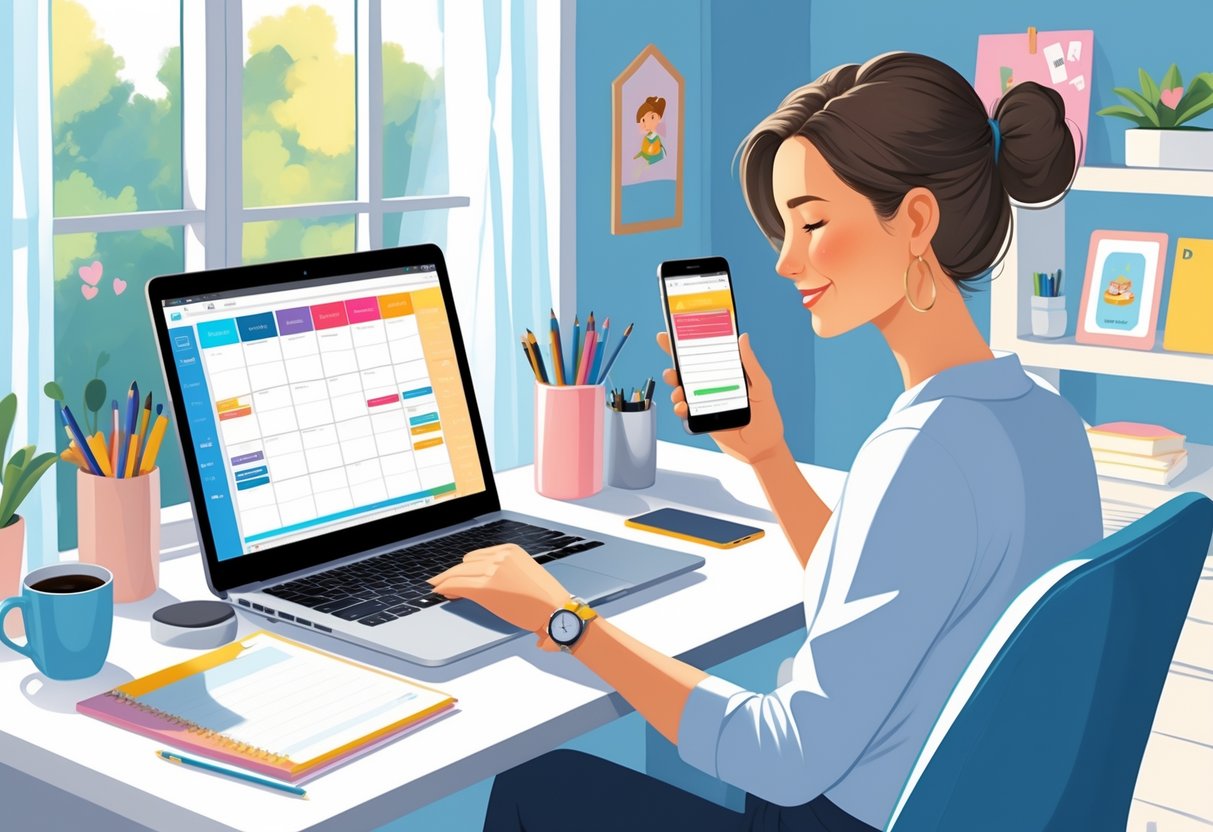
The 2025 Digital Happy Planner makes it easier for busy moms to track both home life and business tasks in one spot. The setup process feels friendly and intuitive, the layouts look clean and colorful, and the digital stickers bring a little fun to everyday planning.
Ease of Setup and Navigation
Getting started takes only a few minutes. She downloads the planner file to an app such as GoodNotes or Notability, then imports it like a notebook. Tabs and clickable links guide her through daily, weekly, and monthly pages. The interface feels familiar, especially for anyone who’s used a paper Happy Planner.
A simple step-by-step setup might look like this:
- Open GoodNotes and create a new notebook.
- Import the Digital Happy Planner file.
- Add her name, goals, and important dates.
- Pin quick-access bookmarks for frequently used pages.
Navigation stays smooth even after adding notes, checklists, and hyperlinks. For first-time users, a beginner’s guide such as the Happy Planner How-To offers quick setup and layout tips that make the process even easier.
Design, Layout, and Customization
The planner uses a dashboard-style layout similar to the Classic Vertical Layout format, but with a fresh digital twist. Each page fits cleanly on a tablet screen without scrolling. Colors stay soft and easy on the eyes, which helps during long work sessions.
Customization plays a big role. She can rearrange sections, change covers, or pick themes that match her brand colors. For example, she might turn the “Budget” section into “Client Invoices” or rename “Meal Plans” as “Content Schedule.”
| Section | Example Use |
|---|---|
| Weekly View | Track deadlines and school pickups |
| Notes Page | Capture ideas for products or blog posts |
| Goal Tracker | Log milestones for business growth |
Each option feels flexible but not overwhelming. She gets creative control without needing to learn design software.
Using Digital Stickers and Accessories
Digital stickers bring warmth and personality to each page. Instead of clutter, they make tasks pop visually. A coffee cup sticker next to “client meeting” or a star icon for “family movie night” adds motivation and charm.
She can buy themed sticker packs, including mompreneur or floral sets, or download free collections that sync easily with her planner. The Mom Life Digital Planner includes built-in bundles with hundreds of icons, labels, and reminders.
A quick tip: create separate sticker folders for business, family, and self-care categories. This keeps digital tools tidy and saves time during planning sessions. Stickers become both creative outlets and productivity boosters.
Daily, Weekly, and Monthly Layouts: How They Work in Real Life
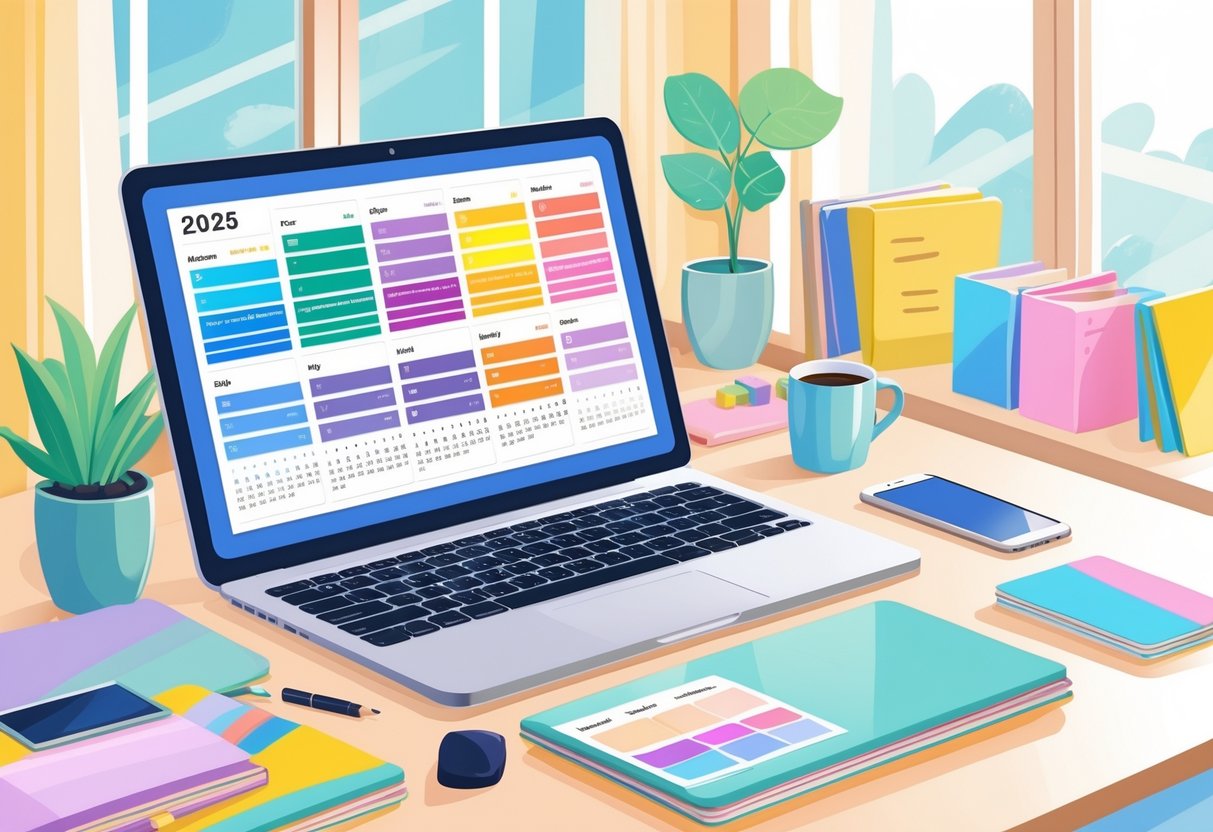
Moms running businesses need flexible planning tools that fit family life and work deadlines. The right daily, weekly, and monthly layouts help balance both worlds—keeping tasks, meetings, and household duties clear and organized.
Daily Scheduling for Work and Family
A daily planner layout helps busy moms manage packed schedules hour by hour. It gives a clear structure for school drop-offs, client calls, and meal prep. Many find that a simple schedule with time blocks helps them visualize the day instead of juggling everything mentally.
A good approach is to write the top three priorities each morning, then fill in non‑negotiables like appointments. Moms can also note small self‑care tasks like a walk or break. A planner that supports flexible daily layouts—like the ones outlined in this practical daily planner guide—keeps days from feeling overwhelming.
Here’s an example of a quick daily setup:
| Time | Task | Notes |
|---|---|---|
| 6–8 AM | Breakfast & School Prep | Kids ready by 8 |
| 9 AM–1 PM | Client Work | Priority: product updates |
| 1–2 PM | Lunch & Errands | Groceries |
| 3–6 PM | Family/Activities | Pick up kids |
| 8–9 PM | Plan Tomorrow | Reflect on wins |
Breaking tasks into simple blocks allows her to stay proactive instead of reactive.
Weekly Overviews to Juggle It All
The weekly planner layout lets moms step back and see the big picture. It’s perfect for tracking client deadlines, school projects, and after‑school practices. Many planners, including those compared in detail here, explain how weekly overviews keep momentum without losing flexibility.
A weekly layout often includes:
- Space for major goals
- Sections for recurring routines
- Notes for family commitments
Moms can assign one focus for each day—like “marketing Mondays” or “finance Fridays.” This system helps her keep different parts of her life organized without re‑writing the same tasks daily.
Color coding also helps—blue for business, green for family, pink for personal. It provides quick visual cues for how balanced the week feels.
Monthly Planning for Long-Term Goals
The monthly planner or monthly calendar layout helps moms look ahead. It tracks bills, launches, and school breaks so nothing sneaks up. This type of layout, as explained in monthly planner design guides, gives space for both personal and professional milestones.
A helpful template includes sections for:
- Top goals for the month
- Income or expense tracking
- Key events and deadlines
At the start of each month, moms can review what worked and what didn’t. Then, they can adjust goals or routines for better balance. Using stickers, color blocks, or icons adds a touch of fun while keeping the monthly layouts easy to scan.
For digital planner users, setting monthly reminders alongside visual goals—like a “launch countdown”—turns ambition into structure that lasts.
Favorite Productivity and Business Features
The Digital Happy Planner 2025 helps busy mom entrepreneurs manage goals, daily routines, and family tasks in one place. It combines simple layout tools with flexible templates that fit business planning, content creation, and home life scheduling.
Goal Tracking and Habit Forming Tools
This planner works as both a goal planner and a habit tracker, giving users small, repeatable steps to stay consistent. It includes visual progress bars, monthly check-ins, and space for reflection. Moms can track business goals like revenue growth or social media posts alongside personal habits like morning workouts or reading time.
Using the habit tracking templates is easy. She can create a table with columns for days of the week and rows for key actions:
| Habit | Mon | Tue | Wed | Thu | Fri | Sat | Sun |
|---|---|---|---|---|---|---|---|
| Post new product | ☐ | ☐ | ☐ | ☐ | ☐ | ☐ | ☐ |
| 15 min self-care | ☐ | ☐ | ☐ | ☐ | ☐ | ☐ | ☐ |
The planner encourages short-term wins, which builds momentum. It also pairs well with digital systems like GoodNotes and Notion for users who like syncing across devices.
Project and Content Planning Made Easy
Mompreneurs often juggle clients, content schedules, and product launches. The Digital Happy Planner’s project pages make those tasks easier. Each section lets users break a large goal into smaller to-dos with start and finish dates.
A project template might include:
- Project name or campaign
- Three key milestones
- Task checklist with due dates
- Notes section for ideas
For content creators, the planner functions like a mini business planner. It can manage blog posts, social media plans, and marketing timelines without complicated tools. Layouts like those from the top productivity planners for 2025 inspired the clean design that keeps priorities visible at a glance.
Color-coded categories allow quick scanning, so she spends less time searching and more time doing.
Meal Planning and Family Task Lists
Balancing meals, kids’ schedules, and business deadlines takes structure. The built-in meal planner and family to-do lists simplify that part of the week. Each daily view links meal ideas with grocery lists, helping her plan nutritious dinners without last-minute stress.
Typical layout examples include:
- Breakfast – Lunch – Dinner boxes
- A grocery list grouped by produce, pantry, and frozen items
- Space for weekend meal prep notes
Family task lists help share household duties. She can assign chores or errands using color tags and reminders. Inspired by designs from the best planners for working moms in 2026, this format keeps everyone aligned.
Together, these tools free up mental space, giving mom entrepreneurs more time for clients, kids, and rest.
How It Compares: Digital Happy Planner 2025 vs Paper and Other Planners
The Digital Happy Planner 2025 helps busy moms manage work, home, and self-care in one place. It blends structure and flexibility that many paper planners and other digital options still struggle to match.
Digital vs. Paper Experience
Many moms feel torn between the screen and the page. With a digital planner, everything stays synced across devices, making it easy to track appointments or update tasks between school drop-off and client meetings. Tools like GoodNotes-based planners allow note-taking that feels close to writing by hand, while adding features like hyperlinks and reminders.
Paper planners, such as the Day Designer or Simplified Planner, provide tactile satisfaction and better focus during planning sessions. A paper page never pops up with notifications. However, updates and revisions take more time. Digital options let users copy-paste, move tasks, or search notes instantly.
For moms juggling multiple responsibilities, the Digital Happy Planner 2025 stands out for portability and cloud backup. A simple tip is to keep a mini printable planner for daily top priorities—this bridges the gap for those who still love pen and paper.
Transitioning Between Planner Types
Switching from a paper system to a digital one can feel awkward at first. A good starting point is to duplicate one week of paper entries into the digital planner. This helps test layouts, like daily pages for personal tasks and weekly spreads for business goals.
Many users coming from a productivity planner or Passion Planner style find comfort in templates that mirror familiar layouts. Setting up recurring tasks for meals, kids’ activities, or marketing posts saves time. Some moms even scan older paper pages into their best digital planner for easy reference.
If adjusting feels hard, try alternating weeks—use the digital planner for business planning and a Cultivate What Matters journal for reflecting on goals. Eventually, users settle into what feels most natural. The process should simplify life, not add stress.
Is It the Best for Mom Entrepreneurs?
For mom entrepreneurs, the Digital Happy Planner 2025 supports flexibility and structure in equal measure. It works well for side hustles, small businesses, and content planning without needing separate notebooks or apps. Features like daily to-do lists, hyperlinks to invoices, and calendar syncing create a seamless system.
Compared to other top tools, such as digital vs paper planner setups, this planner feels balanced. It blends the focus of the best daily planner with the overview of the best weekly planner.
To make the most of it, moms can block work sprints during nap time or schedule dedicated family moments just like client meetings. It keeps priorities in sight without losing flexibility. For anyone balancing motherhood and entrepreneurship, that kind of order can make every day run a little smoother.
Who Will Love the Digital Happy Planner 2025?
This planner suits moms who juggle family routines with business demands. It helps turn messy schedules into manageable systems, making it easier to stay on top of deadlines, client work, and personal life without feeling overwhelmed.
Ideal Use Cases for Different Mompreneurs
Moms who run home-based businesses or flexible side hustles will enjoy the planner’s digital layout. It blends daily and weekly pages that make it simple to plan your day around school drop-offs and client calls. The setup works especially well for creative entrepreneurs who love color-coded organization and decorative stationery touches.
A printable planner for moms version can also fit those who prefer writing with pen and paper. Others may like using a tablet and stylus to update it digitally during breaks or bedtime. The planner’s layout allows mixing personal targets—like fitness or family time—with professional goals such as tracking social media or product launches.
For structured thinkers, using it as a quarterly planner helps set smaller, achievable objectives that build toward long-term goals. Busy moms running online shops, coaching services, or content channels can create visual task lists that help balance marketing, client care, and home duties.
When to Choose an Alternative
Some moms might find a fully digital planner less useful if they thrive on tactile writing or already rely on notebook-style systems. In that case, a printed disc-bound planner like those found at The Happy Planner 2025 collection may be more satisfying.
Anyone managing multiple team members or complex project tracking may prefer dedicated project management tools instead of this planner’s simpler structure. It’s great for single-operator businesses but may feel limited once teams grow or automation tools become necessary.
Also, moms who like quick access to lists beside the bed may prefer a traditional bedside business plan notepad. That way, they can jot down ideas before falling asleep without opening a device.
Tips for Making It Work for You
To get started, she can block 20 minutes at the start of each week to set goals, errands, and top priorities. Color-code sections to separate business from family tasks, making it easier to scan the page quickly.
It helps to use templates such as Morning Routine, Content Plan, and Weekly Expenses. Fill them out consistently so each task connects to bigger goals. She can review quarterly progress using the built-in reflection pages or her own checklist table.
| Category | What to Track | Example |
|---|---|---|
| Business | Client deadlines | Update schedule every Monday |
| Family | School events | Add calendar reminders weekly |
| Self | Health goals | Log short workouts three times a week |
Small habits like these make digital planning practical and rewarding. Over time, the system supports steady progress—both at home and in business.
Frequently Asked Questions
This planner helps busy moms combine work goals with family life. It’s flexible, easy to learn, and syncs smoothly with digital tools many entrepreneurs already use. Moms can plan client deadlines, school events, and meal prep without switching apps.
Does this digital planner actually help keep both business tasks and kid schedules in one place?
Yes. The planner lets moms track work projects, kids’ sports, and family appointments side by side. Color-coded layouts make it clear what belongs to business or home life.
Many use the weekly dashboard to block off school pickups and then drop in client meetings. A simple step is to start the day with a “Top 3” list—two work goals, one family priority—which builds balance through the week.
Is there a free version or trial so I can test it before paying?
Some digital planners, like the ones featured on Print and Hustle, offer free sample pages or short trials. Others may sell a basic version that includes fewer templates.
A good trick is to download the sample and test if it fits personal workflow on your tablet before buying the full edition. Try writing in a few mock tasks or logging one week to see how natural it feels.
What do real moms say about it in YouTube walkthroughs and flip-through videos?
Many moms in Happy Planner unboxing videos show how they use tabs, stickers, and monthly goal pages. Viewers appreciate seeing real setups from other moms who run small businesses.
They often mention that seeing someone’s actual pages helps them design their layout—especially combining client trackers with meal plans or school calendars.
Is it easy to use on an iPad, and does it work well with Apple Pencil or a stylus?
It works well on an iPad, especially when used with apps like GoodNotes or Notability. Writing with an Apple Pencil feels like using a real pen.
Moms can quickly add handwritten notes during calls, then drag text boxes or links later for clean project layouts. A short daily routine—five minutes to jot ideas before bed—can keep it useful but low-stress.
How does it compare to other mom-friendly planners or apps, like the EaseUp planner?
Compared with tools like the Mom Planner, this digital option includes stronger visual layouts for entrepreneurs. It supports layered pages, clickable tabs, and flexible imports for branding or logo inserts.
EaseUp and other printable planners work well if moms prefer to write by hand. The digital version saves time by syncing across devices, so she never loses track of a meeting or homework reminder.
Where’s the best place to buy it—Amazon, Etsy, or the official site—and what should I watch out for?
Shoppers can find 2025 digital planners on Etsy and official planner shops. Buying directly often ensures instant downloads and customer support.
On resale sites, double-check that you’re buying from the original seller with proper licensing. Watch for listings that reuse sample images without offering full editable files, since those may not include updates or import guides.