Digital Simple Planner GoodNotes Template for Stay-at-Home Moms to Organize Life
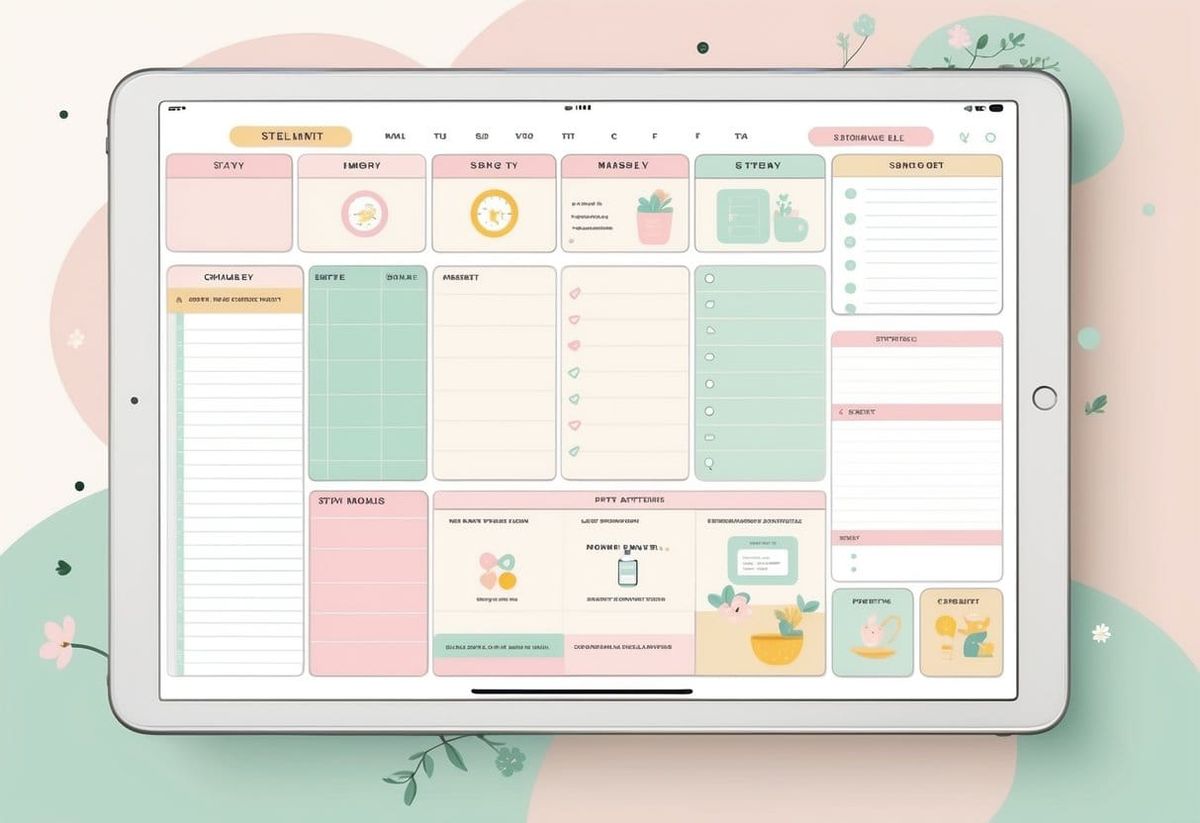
Juggling school runs, dishes, and a side hustle can make any stay-at-home mom feel stretched thin. Between family time and personal goals, things can fall through the cracks fast. A Digital Simple Planner for GoodNotes helps moms stay on top of daily life while keeping everything organized in one place.
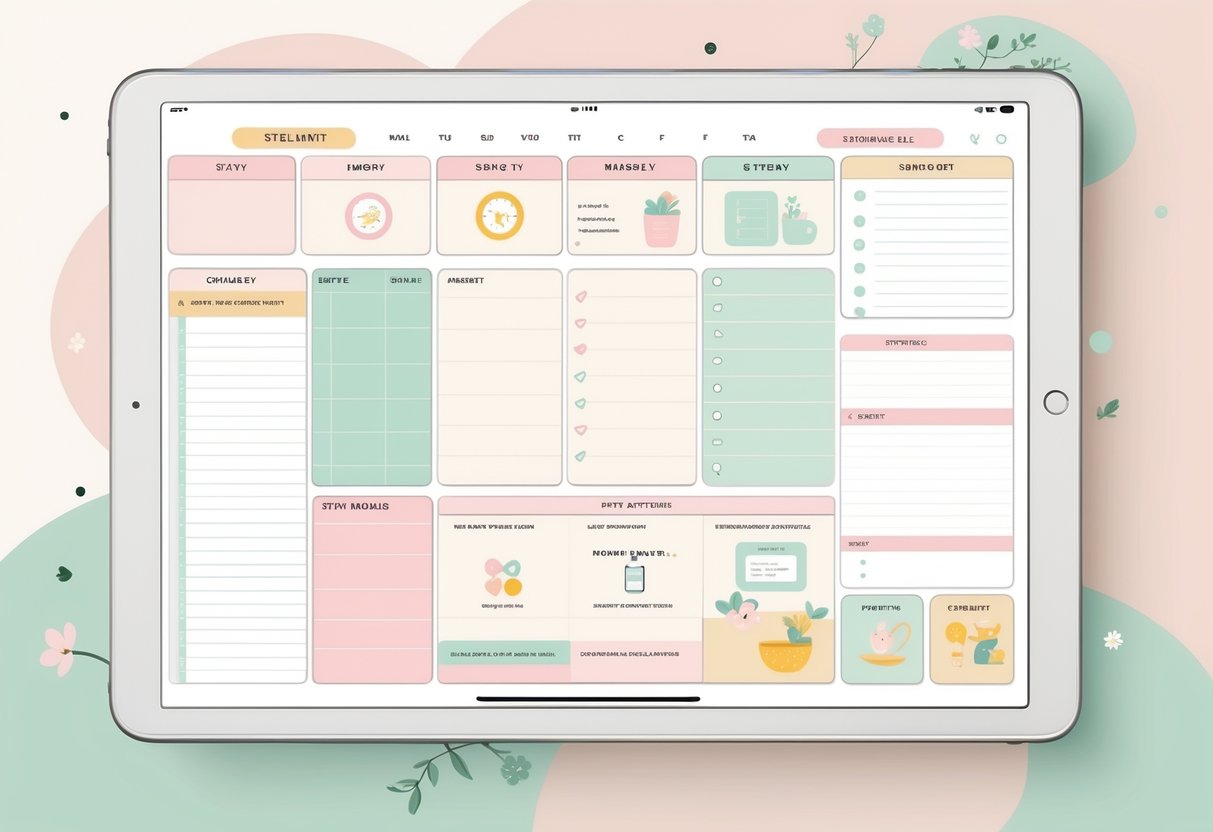
She can plan meals, track budgets, and schedule kids’ activities with a few taps on an iPad. Templates like the Stay at Home Mom Digital Planner or the Digital Moms Planner for GoodNotes make it easy to customize pages for routines, cleaning schedules, or self-care goals. Setting up a weekly layout or color-coding priorities turns planning into a quick, calm part of the day instead of a chore.
With tools like Savvy Mama GoodNotes Planner Templates, she can try pre-made sections or start simple with a few daily pages. Adding small touches, such as a “morning checklist” or “school reminders” page, builds consistency over time. This kind of digital planning keeps her focused, saves time, and gives her the space to enjoy life at home with less stress.
Key Takeaways
- Digital planners simplify daily routines and reduce mental clutter.
- Moms can customize layouts to fit home, family, and personal goals.
- Using GoodNotes templates builds easy, organized habits fast.
Why a Digital Simple Planner Is a Game Changer for Stay at Home Moms
A digital planner on tools like GoodNotes helps busy moms balance daily routines, chores, and side projects in one easy place. It keeps everything tidy, easy to update, and available on any device without stacks of paper or forgotten sticky notes.
Juggling Family Chaos and Side Hustles
Stay at home moms often switch between wiping spills, managing school drop-offs, and answering client messages for a side hustle. That shuffle creates mental clutter. A digital planner keeps priorities visible by combining family schedules and work tasks on one screen.
With apps like the GoodNotes Marketplace, moms can choose a layout that fits their life—whether time-blocking for nap hours or listing morning routines. Templates with sections for meal plans, family appointments, or client projects help create calm in the middle of chaos.
They can color-code events: pink for family, blue for work, green for self-care. Checking to-do boxes on an iPad planner feels fast and satisfying. Syncing across devices means she can plan a week’s worth of meals or product launches while waiting in the school pickup line.
Example tip: Add recurring tasks like laundry or client check-ins to repeat automatically. Fewer taps, less mental load.
Common Challenges With Paper Planners
Paper planners feel nice at first but show limits fast. Coffee spills, lost pens, and messy handwriting make them hard to update. When plans change, erasing or crossing out notes leaves pages cluttered. Moms juggling different activities often need more flexibility than paper allows.
A digital tool avoids that problem. In a best digital planner like the options highlighted in Blanc Planner’s guide, everything stays neat. Copying tasks to the next day takes one tap. Links, images, and lists fit in the same space without needing extra pages or sticky notes.
Quick comparison table:
| Feature | Paper Planner | Digital Planner |
|---|---|---|
| Editing tasks | Erase or rewrite | Tap to move or duplicate |
| Portability | Needs to carry | Access from phone/tablet |
| Storage | Pile of notebooks | All in one app |
| Backup | Can lose pages | Cloud backup protects data |
How Digital Planners Simplify Mom Life
A digital simple planner makes daily routines smoother. Moms can attach school forms, grocery lists, or budget sheets right inside their planner instead of keeping separate apps. Adding checklists for chores, content ideas, or dinner plans keeps everything together.
According to The Mom Resource, structure and habit tracking make staying organized easier. Moms can set daily reminders so nothing gets lost in the rush of school runs and meal prep.
Practical example:
- Open GoodNotes each morning.
- Review the daily view for appointments.
- Write or type the top three must-do tasks.
- Add quick wins like “fold laundry” or “reply to client.”
Small routines build consistency without adding pressure. The cleaner layout and jot-and-sync flow make multitasking less stressful and more intentional.
Getting Started With GoodNotes for Your Digital Planner
GoodNotes helps moms stay organized by keeping calendars, to-do lists, and notes all in one digital space. It works well with tablet styluses, gives flexibility through templates, and supports editing tools that make planning fast and simple.
What Is the GoodNotes App?
The GoodNotes app is an easy-to-use PDF annotation tool that lets users write, highlight, and move elements around just like a paper notebook. Stay-at-home moms often use it to manage family schedules, shopping lists, and routines. Its main strength lies in how natural it feels to write on—handwriting looks clean, and you can erase or rearrange items without wasting pages.
GoodNotes helps users store multiple notebooks for different areas of life. For example, one notebook could track meals, another could plan homeschool lessons, and another could manage personal goals. Unlike paper planners, you never run out of space and can quickly duplicate pages.
It also syncs across devices through iCloud, so a mom can check her grocery list from her phone while adding new notes on an iPad. For an easy walkthrough, see this beginner’s guide to digital planning in GoodNotes 6.
Setting Up Your GoodNotes Planner
Setting up a GoodNotes planner starts with choosing or creating a notebook design that matches a mom’s daily needs. Tap the “+” icon in the app, choose a Blank, Dot Grid, or Planner template, then name the file something like Mom Life Planner.
Inside the notebook, she can create tabs for different categories such as:
| Section | Purpose | Example Pages |
|---|---|---|
| Family | Manage household chores | Chore charts or cleaning schedules |
| Meals | Track weekly menus | Grocery lists, recipe ideas |
| Goals | Personal growth or side business tasks | Monthly income tracker, habit list |
Once created, customize colors and add sticky notes or icons for quick navigation. She can also insert hyperlinks between pages to jump easily between months or sections. A guide like this complete GoodNotes planner setup tutorial gives detailed examples for more complex layouts.
Importing Digital Planner Templates
Digital planner templates make setup faster. Moms can download a PDF planner template from trusted creators and import it into GoodNotes to start writing right away. In the app, tap the “Import” button, select the file, and it will create a new interactive planner notebook.
Free options are available at places that share digital planner templates for GoodNotes. These let users test different styles before choosing a paid one. Common layouts include dated planners, budget trackers, meal planners, and homeschool logs.
Once imported, she can add handwriting, highlight text, or resize elements using the lasso tool. If a page layout doesn’t fit her routine, she can duplicate pages or add new ones. This flexible setup helps moms adapt their planners as schedules change throughout the week.
Essential Pages and Templates for Moms in the GoodNotes Planner
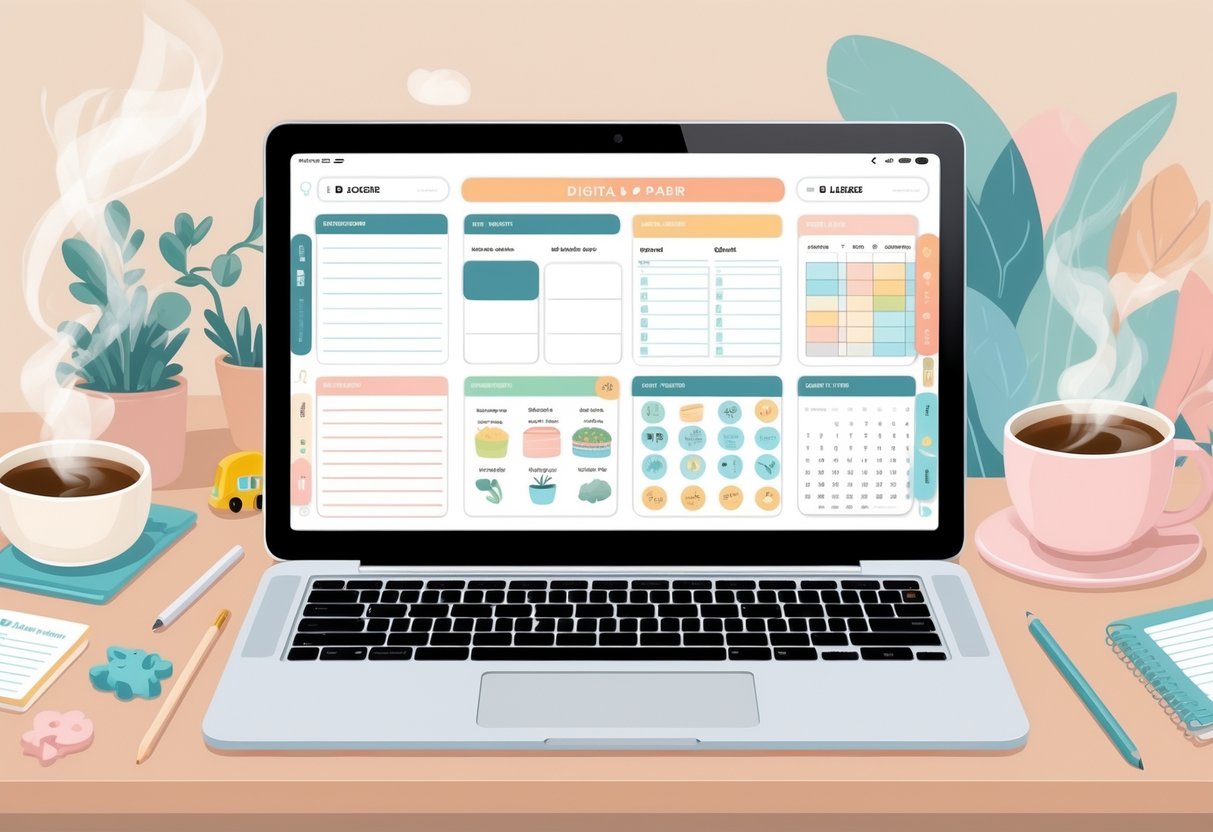
A digital planner helps busy moms track family life while keeping daily routines smooth. It includes simple yet powerful sections for planning time, managing meals, organizing chores, and noting creative ideas.
Daily Planner and Weekly Overview
The daily planner gives moms space to map out each day hour by hour. It helps capture everything from school drop-offs to client calls. A typical page might include time blocks, a to-do list, and a gratitude note.
The weekly overview offers a full look at appointments, kids’ activities, and personal goals. Using color-coded boxes helps visually separate family, work, and self-care tasks. Many templates in the digital Mom’s Planner also include goal sections so moms can track progress over time.
A quick setup tip: create Sunday planning sessions. Reviewing the coming week reduces stress and helps spot conflicts early. Moms can copy the same weekly planner template and reuse it easily inside GoodNotes.
| Section | Purpose | Example Use |
|---|---|---|
| Time Blocks | Organize by hour | School drop-offs, errands |
| Task List | Track priorities | Finish invoices, fold laundry |
| Notes | Reflect or plan | Add reminders for kids’ projects |
Meal Planner for Family Meals
The meal planner helps busy families eat better and spend less time worrying about dinner. It provides a simple chart to plan breakfast, lunch, and dinner for the week.
Using a GoodNotes meal planner from the GoodNotes Marketplace, moms can schedule meals and list grocery items in one place. A separate shopping list section keeps ingredients handy while at the store.
Quick tips include:
- Plan dinners first, then fill in lunches with leftovers.
- Add one “freezer meal” slot for backup nights.
- Highlight meals your family enjoys and rotate them every two weeks.
Each page can link to favorite recipes, so moms never dig through folders again.
Home Cleaning Checklists and Weekly Chores
Keeping the house organized feels easier with a clear cleaning checklist. These templates break down tasks by room and frequency—daily, weekly, and monthly. For example, daily chores might include wiping counters, while weekly chores could cover laundry and bathrooms.
Moms can use icons or emojis to mark finished tasks. A sample setup might include:
- Monday: Laundry
- Wednesday: Floors and bathrooms
- Friday: Declutter toy bins
The mom digital planner inserts also work well as add-ons for existing planners. Moms can drop these templates behind a divider and jump directly to cleaning lists through hyperlinks.
Notes Templates and Digital Stickers
Notes templates make the planner more personal. Moms can capture ideas for side hustles, set goals, or journal quick thoughts. Lined, grid, and blank templates keep every note tidy and easy to find.
Adding digital stickers turns planning into something fun. Stickers can mark events, remind of self-care time, or celebrate small wins. Many free GoodNotes templates come with matching sticker packs that blend with planner themes.
Creative moms can design their own stickers with clip art or reuse icons from previous months. Combined with templates for meal planning and chores, notes and stickers make the planner both practical and enjoyable to use every day.
Customizing and Personalizing Your Digital Planner
A digital planner works best when it feels made for everyday life, not just copied from a template. Features like mood trackers, flexible planner inserts, and custom sections can help keep routines organized while reflecting personal priorities at home and work.
Using Mood Trackers and Wellness Tools
Mood trackers help moms see emotional patterns and spot when stress builds up. A simple daily tracker with color-coded digital stickers makes it easy to log feelings in seconds. For example, she might use yellow for calm days and red for hectic ones. Seeing colors fill the week gives a quick view of how balanced life feels.
Wellness tools go beyond emotions. Moms can add tables such as:
| Habit | Goal | Done? |
|---|---|---|
| Drink water | 8 cups | ✅ |
| Walk outside | 20 min | ✅ |
| Sleep | 7 hrs | ☐ |
Adding shortcuts like quick journal pages or breathing timers creates tiny wellness breaks throughout the day. Those using GoodNotes customizable templates can duplicate and adjust these pages easily, saving time while keeping self-care visible.
Adapting Planner Inserts for Your Family
Family life changes often, so using flexible planner inserts helps keep everything updated. She can download digital planner templates that include meal planners, homework checklists, or budget trackers. Inserts allow her to swap outdated pages instead of redoing the whole planner.
For instance, one weekly meal plan might include dinners for a toddler’s picky tastes, while another covers quick lunches for remote workdays. Each insert can include space for grocery lists, linked to online shopping notes.
Some moms use digital stickers to mark family routines—such as laundry day or after-school pickup. This keeps the layout clear without long handwritten notes. By combining inserts and stickers, families can see everything at a glance with less scrolling or searching.
Adding Unique Sections for Kids, Work, and Self-Care
Adding personalized sections makes the planner more practical. She might create folders labeled Kids, Work, and Me Time. In the Kids section, she could keep growth charts, school events, and digital medical notes. The Work section might organize client deadlines or content ideas for her side business using templates from Mydailyplanners.
The Self-Care section helps her reconnect with herself. It could include a gratitude journal, reading list, or quick exercise logs. Color-coded tabs make these areas easy to find. Keeping family, business, and personal goals side by side strengthens balance and reduces chaos during busy weeks.
Where to Find Digital Simple Planner GoodNotes Templates
Moms can find plenty of digital planner templates that make daily life smoother, help manage home tasks, and keep family priorities front and center. Some shops sell complete planner bundles, while others offer freebies to test before buying.
Etsy and Online Shop Recommendations
Etsy has become a favorite spot for digital planners created by small business owners who understand family routines. Shops often include minimalist or themed designs made for apps like GoodNotes or Notability. One popular place to start browsing is the GoodNotes Simple Digital Planner Template on Etsy, where sellers offer both dated and undated versions.
Many online shops let customers preview pages before purchasing so they know exactly what they’re getting. Look for planners that include tabs for meal planning, chore charts, and budget tracking. These sections help stay-at-home moms track household goals without juggling multiple notebooks.
A quick tip for busy moms who already have an account on Etsy: save favorite templates to a wish list to compare layouts later. Additionally, sites like PrintBlame’s digital planner templates and the Goodnotes Marketplace feature simple, ready-to-use planners for different needs—from daily focus pages to self-care schedules.
Tips for Selecting the Right Planner for You
The best planner depends on how someone manages her day. If she juggles homeschooling, errands, and family budgeting, choose one that includes flexible time-block layouts and task lists. A Monday-start weekly spread helps create structure, while sections for family goals or meal ideas keep the planner practical.
It helps to ask:
- Does it sync with how I plan my day?
- Can I edit colors or add stickers easily?
- Is the layout simple enough to use consistently?
Moms using digital planners for the first time should start small. Try a single-month layout before buying a full-year bundle. Many templates, like those highlighted on The Savvy Mama’s GoodNotes planner guide, provide customization ideas to make planning feel less like a chore.
Building small habits—checking the planner each morning and updating it before bed—helps the tool become part of her daily rhythm.
Free Digital Planner Options
Not every mom wants to invest money right away. Free templates allow for easy testing before committing to a paid plan. Sites such as World of Printables offer a free digital planner with over 100 pages, including monthly, weekly, and daily layouts.
These options often include hyperlinked tabs and clickable buttons for quick navigation. Moms can import them into GoodNotes and begin customizing instantly. Another great option is DigitalPlanner.store’s free GoodNotes planner and notebook, which includes six linked tabs and a bonus daily planner page.
When saving free templates, create a folder labeled “Planner Tests” on the tablet to organize downloads. That way, trying out different styles feels effortless and helps decide what features actually work best.
Exclusive Offers and Unique Gift Ideas
Many online shops run exclusive offers for returning customers or those who sign up for email updates. These deals often include discount bundles, seasonal sticker packs, or add-on templates that complement a favorite planner style. Sites like Planners.digital even mix free and premium collections so moms can combine practical layouts with fun extras.
A digital planner can also make a thoughtful unique gift idea for another mom. Boutique sellers often provide instant downloads paired with editable covers or personalized name pages. For example, gifting a minimalist planner with a “Mom Boss” cover helps support another mompreneur while sharing tools for organization.
Another creative idea: purchase a simple planner file and load it onto a tablet before gifting it. Add a note suggesting apps like GoodNotes or Notability. It’s a small gesture that encourages friends to stay organized and positive while managing busy home routines.
Managing Your Planner and Connecting With Other Moms
A well-managed digital planner helps moms stay consistent, stress less, and build connections with others who share similar goals. It also allows them to learn new routines, exchange planning templates, and keep their homes and schedules running smoothly.
Staying Motivated With Digital Planning
Many moms lose steam a few weeks after starting a new planner. Sticking with digital planning in GoodNotes works best when it feels rewarding and flexible.
Small wins matter. For example, she can start every week by checking off three simple goals like “prep snacks,” “update budget,” or “schedule playdate.” Using color-coded tabs for tasks—blue for home, green for family, pink for work—helps break big lists into easy chunks.
A motivational quote, photo of the kids, or short gratitude note at the top of a page adds a personal touch. Some moms browse shared tips on platforms like Mommy Moxie’s planner guide for layout inspiration. Others pair digital tracking with a self-care reminder—like a five-minute walk or journaling session—to keep planning enjoyable instead of rigid.
How to Log In, Subscribe, and Enter Your Email for Updates
Keeping templates up to date is easy when she logs in and subscribes to the creator’s email list. Usually, websites like The Dailee’s 2026 Digital Planner guide users through quick sign-up steps.
A typical setup looks like this:
| Step | Action |
|---|---|
| 1 | Log in or create a free account. |
| 2 | Enter your email in the subscription field. |
| 3 | Confirm your address through the link sent to your inbox. |
| 4 | Check for new templates, updates, and seasonal layouts. |
This process ensures she never misses quality add-ons or updates for her planner. Using the same email across platforms simplifies account management and helps keep backup copies organized in cloud storage.
Sharing and Gifting GoodNotes Templates
Digital planning communities thrive on sharing. Moms often exchange GoodNotes templates through group chats, newsletters, and friend-to-friend gifting.
For special occasions, gifting a curated page like a “Meal Plan Week” or “Chore Tracker” template can mean more than a store-bought card. Sites such as The Organized Mom Hub offer free printable versions that pair nicely with digital layouts.
Before sharing, moms can make a duplicate copy, remove personal details, and save the file as a reusable blank. Adding a short how-to note (“Import using GoodNotes > Open File > Copy to App”) makes the gift even more useful for a busy friend new to digital planning.
Balancing Organization With Flexibility
A smart planner shouldn’t feel like another chore. Moms balance structure and freedom by designing layouts that adjust when schedules change. Some prefer daily-only pages like those on the Imperfect Daily Pad because focusing on one day at a time keeps stress lower.
Adjustable templates work best when they use short task lists and open sections for quick thoughts. She can add a "Maybe Later" list for ideas that don’t fit today’s routine.
Staying organized means having a plan, but staying flexible means forgiving herself when plans shift. A digital planner allows edits anytime—no erasing, no messy pages, and plenty of room for a fresh start tomorrow.
Frequently Asked Questions
This section helps moms get their GoodNotes planner running smoothly, from setting it up and personalizing tabs to using it with Apple Pencil. It also covers how to keep track of family routines, chores, and work tasks in one digital space.
How do I import a digital planner into GoodNotes on my iPad?
She starts by downloading the planner file—usually a PDF or GoodNotes zip—from the seller or email. Then she opens GoodNotes, taps New > Import, and selects the file.
A quick tip: don’t import the same file multiple times. Each planner already includes enough pages for the year, as noted in this setup guide for GoodNotes templates.
Is there a free version I can try before I buy?
Yes. Many sites offer free samples or starter planners for moms to test layout styles before upgrading. One popular option is the GoodNotes Planner with 108 free templates.
She can use a free template for a week to see if it fits her daily flow before committing to a premium version.
What’s included—daily, weekly, and monthly pages, plus meal planning and chores?
A simple digital planner for moms usually includes daily to-do pages, weekly layouts, and full monthly overviews. Most versions also have dedicated spots for meal planning, budget tracking, and household chores.
Some, like those found in the Savvy Mama collection, focus on moms balancing family schedules and personal goals. She can easily track meals, kids’ tasks, and her own project deadlines.
Will it work with Apple Pencil, and can I add my own stickers or photos?
GoodNotes works perfectly with Apple Pencil. She can write directly on the planner pages just like real paper.
Adding stickers, text boxes, and family photos builds motivation. It’s easy to drag and drop digital stickers or import a folder of icons from the GoodNotes Marketplace at the official store.
How do I duplicate pages and set up clickable tabs so I can move around fast?
To duplicate a page, she taps the page thumbnail view, selects Duplicate, and rearranges it wherever needed. For clickable tabs, she uses the planner’s built-in hyperlinks instead of manual links—they jump between sections instantly.
These shortcuts save time and make navigating daily, weekly, and monthly sections smoother for busy moms.
What’s the easiest way to plan around school schedules, appointments, and a side hustle in one place?
She can color-code categories—one color for school, one for family, and another for her business. Using recurring page templates each Sunday helps her see the week at a glance.
Many moms use the built-in templates from ClickUp’s GoodNotes planner tools to coordinate everything from school pickups to content scheduling without switching apps. This keeps her tasks visible and manageable all in one digital hub.