Hour Day GoodNotes Planner 2025 for Busy Mompreneurs
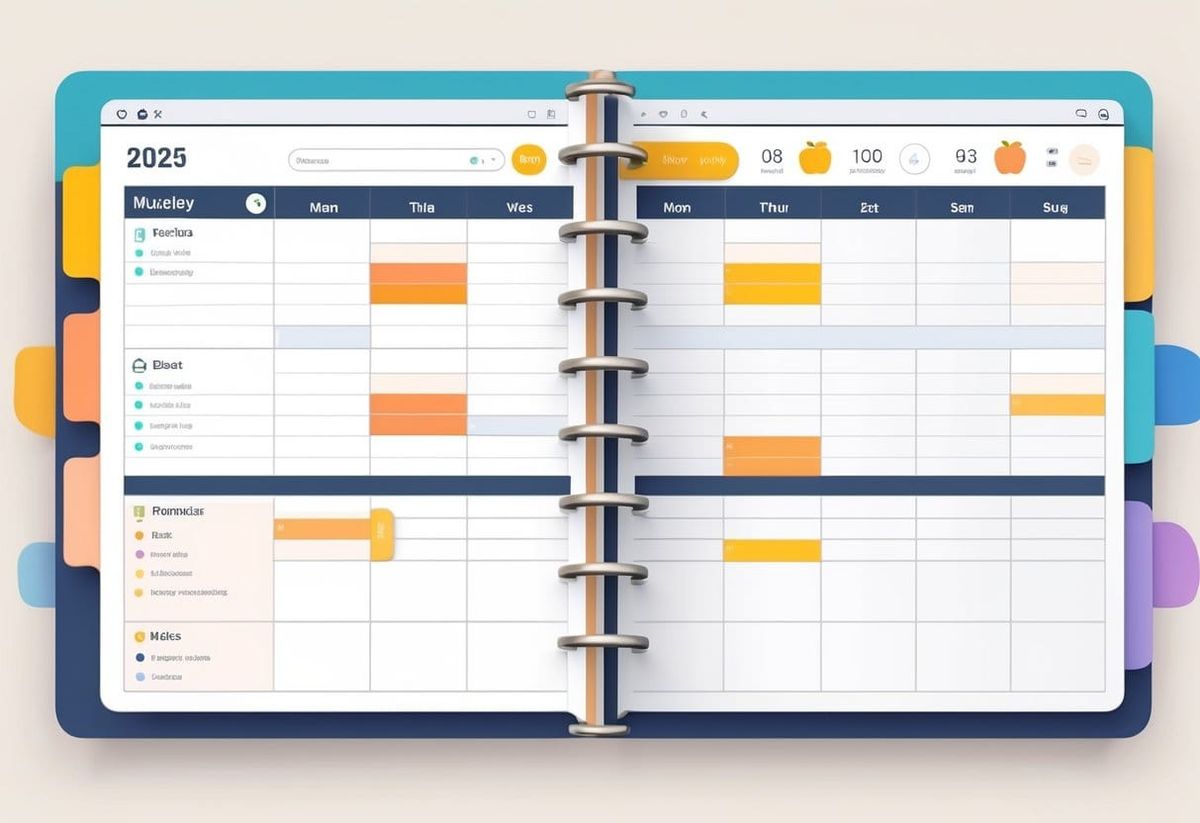
Juggling a business, school drop-offs, and meal planning leaves little room for mental chaos. That’s where the Hour Day GoodNotes Planner 2025 steps in—it keeps everything organized in one place without the pile of sticky notes. It helps busy moms block out time for every part of their day, so nothing important gets lost in the shuffle.
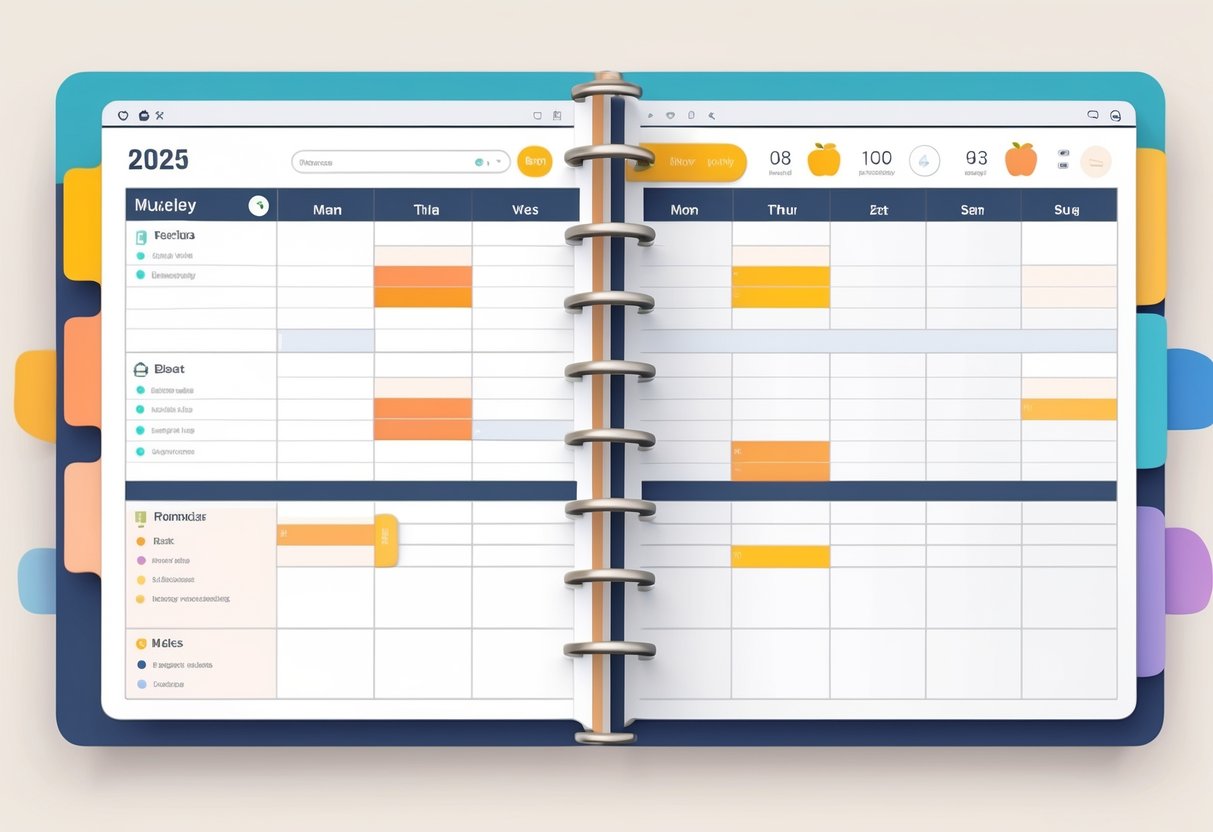
She can open her tablet each morning, look at her color-coded tasks, and map out the hours ahead with calm confidence. The built-in daily and weekly templates make time-blocking fast, even for those new to digital planning. For example, she can assign morning hours for client work, midday for errands, and evenings for family time—all using sections designed for flexible scheduling.
Small touches like integrated habit trackers, simple goal pages, and customizable layouts make it more than just a planner—it’s a daily reset tool that supports both productivity and balance. A mom entrepreneur who adopts this planner doesn’t just manage her schedule; she takes charge of her days.
Key Takeaways
- Organize busy days efficiently with a detailed digital layout
- Customize hourly and weekly templates to match family and business life
- Build lasting habits with easy-to-use tracking and planning tools
What Is the Hour Day GoodNotes Planner 2025?
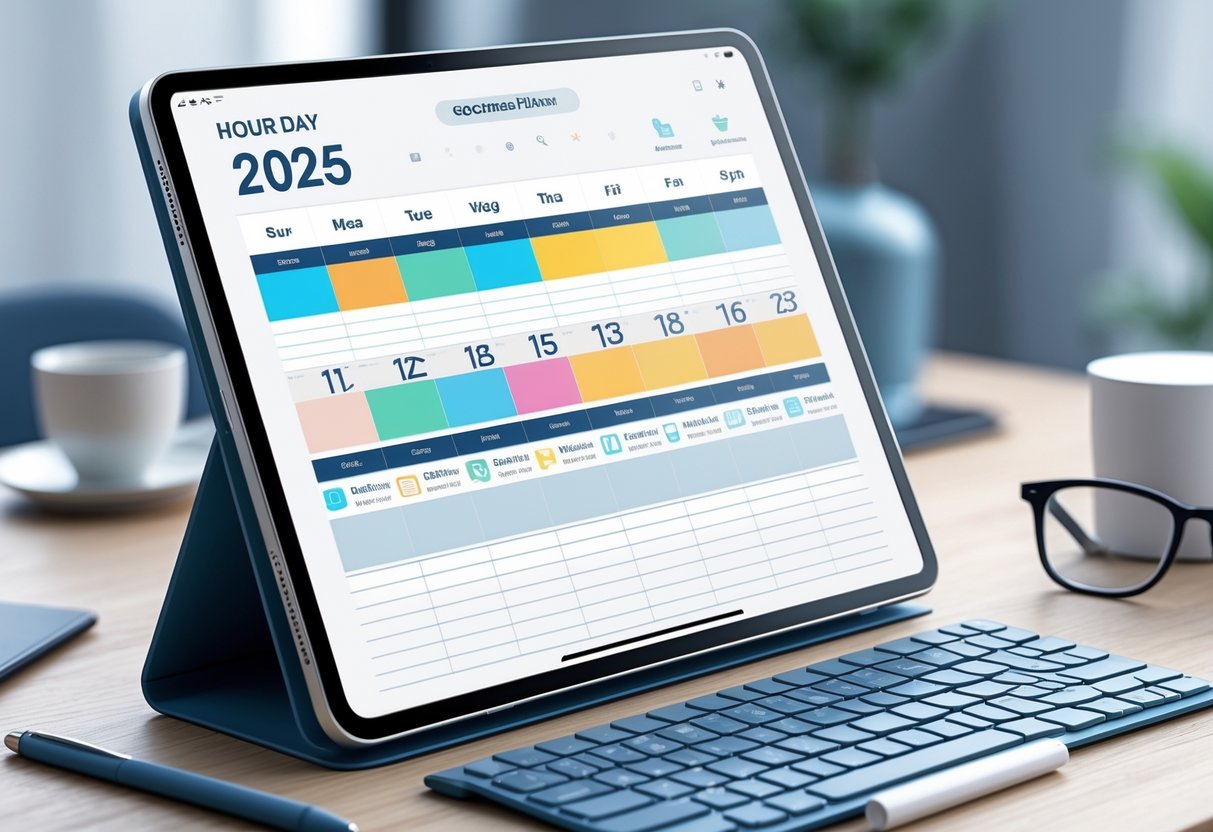
The Hour Day GoodNotes Planner 2025 helps busy people break down their time into clear, manageable pieces. It provides a space to plan every hour of the day, track goals, and stay focused while juggling work, family, and personal tasks.
Designed for Detailed Scheduling in 2025
This 2025 digital planner focuses on hour-by-hour organization to help users handle full schedules. Each daily page includes time blocks from morning to night so every commitment fits neatly into the day. It blends productivity tools with flexibility, letting someone map school drop-offs, work meetings, and even downtime.
Those who prefer a clean, minimalist style can look for planners like the 24-7 Hour Digital Planner for iPad and GoodNotes. This design meets the needs of parents and professionals who want structure without clutter.
A simple example for a weekday:
| Time Slot | Task |
|---|---|
| 7:00 AM | Breakfast with kids |
| 8:30 AM | Client meeting on Zoom |
| 12:00 PM | Prep lunch and errands |
| 3:00 PM | School pickup |
| 5:00 PM | Dinner prep and planning tomorrow |
This table-style layout gives users a snapshot of their day at a glance.
GoodNotes Compatibility and Other Apps
The planner runs smoothly inside GoodNotes 6 and works well with Apple Pencil for natural handwriting. It allows users to easily drag, highlight, and check off tasks. Because it's a digital planner, pages never run out—more notes, reminders, and lists can be added anytime.
Those who use multiple tools will appreciate that it can also connect with other apps like Notability and iPad PDF editors. Sites such as World of Printables even offer free templates with pre-linked tabs for fast navigation between months and categories.
Moms who balance business and home life can save time by setting up reusable templates. She can copy a daily or weekly layout and customize meal plans, client calls, or cleaning routines without starting from scratch each week.
How Hour-by-Hour Planning Works
Hour-by-hour planning works best for people who like structure but also need flexibility. The daily pages let users block time for both work and personal life in simple one-hour chunks. For example, one can schedule kid drop-off, work sessions, and self-care breaks in an easy rhythm.
A mom entrepreneur might follow this quick setup:
- Write down non-movable times first (school drop-off, pickup, meals).
- Block focused work hours when the house is quiet.
- Leave at least one slot open for unplanned events.
The 2025-2026 Hourly Weekly Planner for GoodNotes 6 offers these clear layouts that make time-blocking simple. Each hour appears as a separate box with linked navigation, so switching between days feels seamless.
The planner teaches users to treat time like a budget—each hour counts, and a well-planned day reduces chaos at home and work.
Core Features of the Hour Day GoodNotes Planner 2025
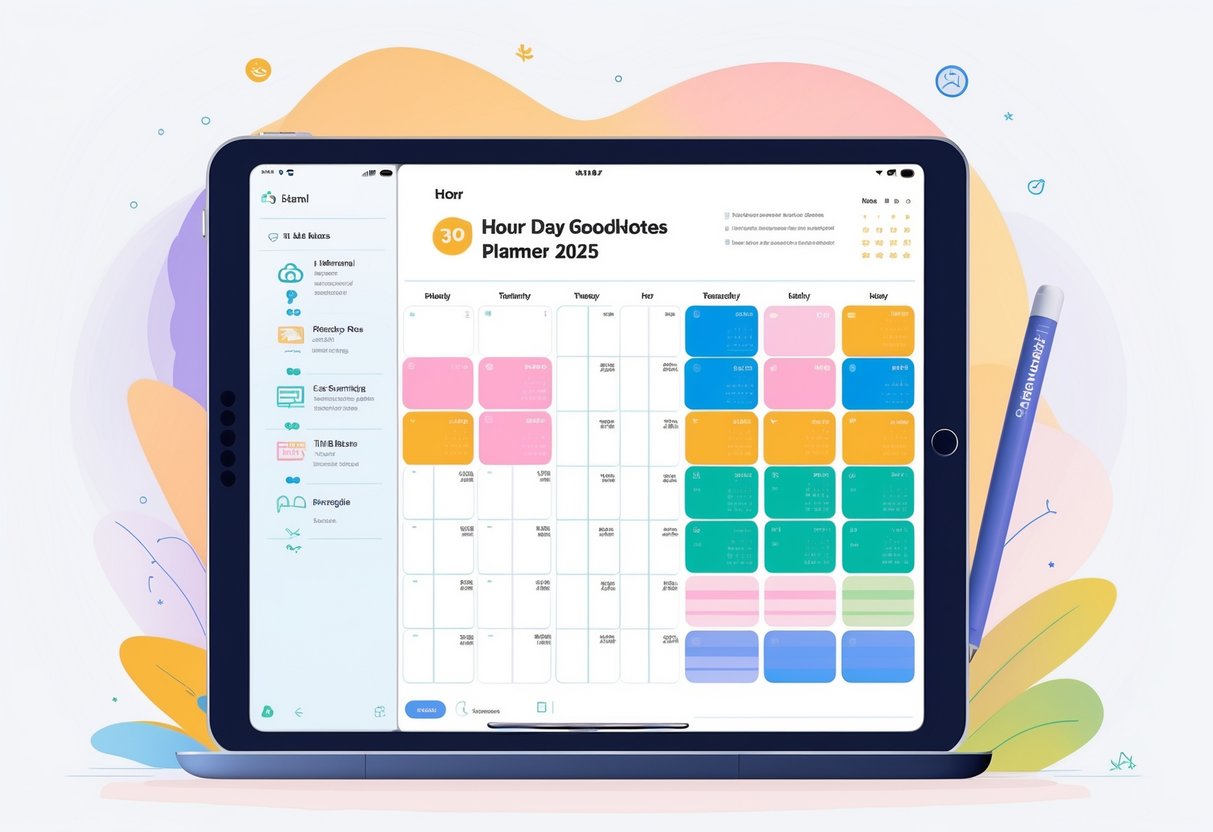
This planner helps users manage packed days with clear hourly slots, smooth navigation tools, and goal-tracking options that keep everything on schedule. Its flexible templates and yearly overviews make it easy to plan routines, organize projects, and keep family and business life in sync.
Hourly Breakdown for Busy Days
The hourly layout in the Hour Day GoodNotes Planner 2025 allows users to structure their time in realistic chunks. From early morning routines to evening wrap-ups, each hour has space for notes, reminders, or quick to-dos.
Parents juggling school runs, meetings, and errands can block out every part of the day. This makes it clear where the time goes and helps prevent overbooking. Many find it useful to color-code events—blue for family time, pink for business tasks, and green for self-care.
The hourly pages in planners such as the 2025-2026 GoodNotes 6 Digital Planner make navigating tight schedules easier. Each slot links to daily and weekly views for quick switching between overviews and detailed timelines.
A short tip list helps users start fast:
- Set priorities for the top three tasks of the day.
- Leave buffer time between appointments.
- Use icons (💻 for work, 🍽 for meals, 💤 for rest) to track patterns easily.
Easy Navigation and Hyperlinks
The digital layout relies on clickable hyperlinks for faster movement between pages. Instead of scrolling through endless screens, users tap icons or tabs to jump between months, weeks, or sections instantly.
A mom planning school pickups or client calls can switch from her weekly overview to the exact daily page with one tap. The design is similar to the 24-hour digital planner for GoodNotes, which includes hyperlinked PDFs for smooth transitions.
Navigation tabs for each section—like Daily Plans, To-Do Lists, and Notes—keep things tidy. A simple layout table works well for quick access:
| Section | Function | Hyperlink Icon Example |
|---|---|---|
| Daily Plan | View hourly tasks | 🕒 |
| Projects | Track ongoing goals | 📁 |
| Notes | Add quick thoughts | ✏️ |
This structure helps users stay focused instead of getting lost in digital clutter.
Goal Tracking and Project Management
Every plan needs direction, and this planner provides space to track goals and projects in one place. Users can set personal, business, and family goals side by side, using pre-made templates for consistency.
Parents who manage both client work and home tasks can break goals into simple steps. For example, “Launch online shop” becomes smaller tasks like design setup, content writing, and social posts. Then they can assign each step an hour in the daily view.
Planners such as the Ultimate Digital Planner 2025 for iPad include customizable templates for habit tracking, expense logs, and milestone pages. These features help users see steady progress rather than feeling overwhelmed.
Parents might like using a quick checklist method:
- Write each goal clearly.
- Break it into 3–5 mini tasks.
- Schedule those tasks by hour across the week.
This method builds momentum and gives gentle accountability.
Yearly Overview and Future Planning
The yearly overview ties everything together. It lets users map out family vacations, school terms, and business launches on one spread. The layout mirrors the structure of the 2025 All-in-One Planner from GoodNotes Marketplace, which includes monthly, weekly, and yearly views.
By reviewing the year at once, users can spot peak seasons or overbooked months early. This helps balance family time and work commitment.
Many moms use templates for Quarterly Reflections or Habit Summaries to note what worked and what didn’t. A simple example:
| Month | Big Win | Adjustment Needed |
|---|---|---|
| January | Filed taxes early | Plan meals ahead |
| February | Consistent workouts | Less screen time after 9 PM |
These small reviews make planning flexible yet focused, setting a steady rhythm through the year ahead.
Customizing Your 2025 Digital Planner for GoodNotes
Everyone plans differently, so a flexible planner can make daily routines smoother and more personal. Small tweaks—like using templates, adding creative touches, or designing pages from scratch—help users manage busy schedules and family life more easily.
Using Customizable Templates
Customizable templates let users shape their planner around real needs instead of forcing routines to fit a preset layout. With tools like the GoodNotes Marketplace, they can browse page templates for budgets, chores, school calendars, and even side hustle goals.
To start, a mompreneur could:
- Add weekly goal pages for business tasks.
- Insert meal planning templates beside grocery lists.
- Include habit trackers for exercise or kids’ routines.
These templates save time and keep everything in one place. They also work well with dated or undated layouts from sites like The Ultimate Guide to GoodNotes Daily Planners (2025 Edition!), which focus on detailed daily scheduling. It helps users quickly swap or duplicate pages without starting over.
Using templates means less clutter and more control. She can reuse designs every month, keeping planning predictable and organized while still flexible enough for new priorities.
Adding Stickers, Covers, and Widgets
Visual touches make organization enjoyable. Digital stickers, themed covers, and small widgets enhance both design and function. The 2025 Planners for GoodNotes and Notability site offers free options that include stylish covers and trackers.
She could design a calming layout with muted tones for work days, then brighten it up with fun stickers for family weekends. Stickers work like digital post-its—use them for reminders or highlight school deadlines. A table of widget ideas might include:
| Widget Type | Purpose | Example Use |
|---|---|---|
| Countdown Timer | Track events | Vacation prep |
| Quote Box | Motivation | Morning affirmations |
| Mini Calendar | Quick glance | Monthly overview |
Custom covers also make it feel personal. Rotating designs by season or goal helps planners stay fresh through the year.
Creating a Blank Planner with Printables
Sometimes users want full control from the start. A blank planner gives total freedom to build a system that fits both work and home life. Sites like Free Digital Planner for 2025 provide free printables that load into GoodNotes as editable PDF pages.
She can begin by importing a blank grid or lined page. Then, she adds her own labels—like “Client Calls,” “Meal Prep,” or “Homeschool Notes.” This approach works well for those who prefer handwritten structure but still want digital flexibility.
Creating a custom planner can be as simple as copying blank sections and adding icons or quick buttons to link categories. Moms with multiple roles—coach, chef, caretaker—can adapt spaces for each part of life, adjusting any time without losing progress.
Daily, Weekly, and Monthly Scheduling Made Easy
Using a structured planner helps busy parents manage home life, school activities, and business goals in one place. With the right approach, daily, weekly, and monthly layouts can turn scattered to-do lists into clear, flexible schedules that actually work.
Incorporating Daily Planner Templates
A daily planner template gives structure to long, unpredictable days. It works best when each hour has a clear purpose, even if plans change. Parents can use a format like the free printable hourly planner to break the day into short, manageable chunks.
She might start with a morning section for school prep, work blocks, or errands. The key is keeping each task visible. A simple checklist—calls to make, meals to prep, appointments to confirm—helps track progress without feeling rigid.
Some moms add sections for hydration, meals, or gratitude notes. It’s not just organization—it’s awareness. Printable options or digital pages in GoodNotes make it easy to copy templates for every day, saving time when life feels packed.
Setting Up a Weekly Planner Schedule
A weekly planner bridges daily actions with long-term goals. Using a customizable schedule template or a weekly schedule template, anyone can map appointments, deadlines, and family routines in one spot.
She might list everything—from school drop-offs to shipping deadlines—then group related tasks. Using color codes for family, business, and personal time keeps the layout easy to scan. For digital users, creating a repeating weekly spread in GoodNotes or Excel saves setup time.
Here’s a quick setup idea:
| Day | Focus | Notes |
|---|---|---|
| Monday | Client calls | Prep reports |
| Wednesday | Family day | No late work |
| Friday | Social posts | Batch content |
Weekly views prevent last-minute scrambles and help moms see where small windows for rest or creative projects fit.
Maximizing Monthly Planner Templates
A monthly planner template gives a clear view of busy seasons, travel, and recurring bills. Parents often use it to set priorities early—like planning launches around school breaks or budgeting for holidays.
Each month starts with three questions: What’s most important?, What’s already scheduled?, and What can wait? Writing deadlines and family events first ensures no overlap later.
A monthly overview also helps track habits and goals. Some moms mark self-care days or family nights directly on the calendar. Printable or digital planners make editing simple—just duplicate a blank month and adjust as life shifts.
Using daily, weekly, and monthly templates together helps keep everything running smoothly without losing sight of what matters most.
Making the Most of Free and Premium Planner Resources
Busy parents and side hustlers often need flexible planning tools that fit real life. Using a mix of free and paid GoodNotes resources can save time, boost efficiency, and make scheduling less stressful.
Exploring Free 2025 Digital Planner Options
Free 2025 digital planners come packed with templates already built for day-to-day use. Sites like World of Printables offer ready‑made options with monthly, weekly, and daily pages. Others, such as MeePlanner, share tested layouts that work well for moms managing busy schedules.
A mom may start by downloading a free planner PDF, importing it into GoodNotes, and filling in recurring tasks like school drop‑offs or client calls. Color‑coded sections or stickers can make bulky routines easier to scan.
Quick tip: Try setting up a “Today” tab linked to the current date to skip scrolling. This saves precious morning time before the kids wake up.
| Goal | Suggested Layout | Example Page Type |
|---|---|---|
| Family Schedule | Weekly Grid | Hour‑by‑Hour Planner |
| Work Tasks | Project Tracker | Notes + Checklist |
| Health | Habit Log | Fitness Tracker |
Finding Extra Printables and Layouts
When the free planner feels too basic, extra printables can fill the gaps. Sites like ClickUp share GoodNotes planner templates that can be mixed and matched. This allows users to build their own setup—maybe a page for meal plans, a mood tracker, or a kid chore chart.
Printable add‑ons can turn the planner into a mini command center. Moms can print a daily gratitude log or an expense tracker to tape near their workspace. They can even make a quick “morning routine” sheet that kids check off themselves.
Step-by-step idea:
- Choose any blank planner page.
- Add imported templates like budget or goal tracker sheets.
- Label each one using the GoodNotes text tool for faster access.
It’s a low-cost way to upgrade the planner without paying for a full premium version.
Transitioning to 2026 Digital Planner Upgrades
As the year winds down, switching to a 2026 digital planner helps maintain consistency. Many new planners include hyperlinked tabs and cleaner dashboards for time‑blocking—handy for parents who balance client calls between soccer practice and dinner.
They can start migrating essential pages like goal lists and birthdays before the holiday rush. Keeping both planners open side by side in GoodNotes makes copying notes simple.
Some premium planners also sync across devices, making it easy to jot reminders on a phone while waiting in the school pickup line. Testing free versions first helps decide which paid upgrade is worth it later.
A well‑chosen planner setup keeps schedules visible, flexible, and manageable even when life gets hectic.
Tips for Staying Consistent with Detailed Scheduling
Success with detailed scheduling often depends on clear routines, flexible planning tools, and strong habits. Digital planners like the Hour Day GoodNotes Planner 2025 help users stay organized by combining structure with adaptability across daily and yearly goals.
Strategies for Moms Balancing Family and Business
Moms juggling family and business tasks benefit from keeping everything in one place. Using a daily planner template that divides the day into time blocks helps them see where work, childcare, and rest fit in. Custom labels, such as “school prep,” “client calls,” or “me time,” make the schedule more personal and realistic.
She can set repeating reminders for school runs, meal prep, or social media posts. Automating recurring events cuts down decision fatigue. A time-block method in GoodNotes offers half-hour slots from early morning to evening and is simple to copy for each weekday.
A practical tip is to color-code roles—blue for business, yellow for family, and pink for self-care. This quick visual cue helps her spot imbalance right away. By adding short notes at the bottom of each day, she tracks wins or challenges without needing a separate journal.
Building Productive Habits in GoodNotes
Small habits lead to big results. Setting aside ten minutes each night to plan the next day builds consistency. A digital planner lets her drag, edit, or reuse layout sections instead of starting from scratch. For example, she might duplicate her “Morning Routine” box across multiple days to reinforce repetition.
Creating a mini tracker at the edge of her page helps her see progress. Columns for hydration, reading time, or daily revenue are easy to check off. Over time, these micro goals connect to larger objectives in her yearly planner.
She can also integrate templates from the best GoodNotes planner collections for extra structure. These layouts simplify the process, letting her stay focused on habits that actually move the needle instead of getting stuck designing pages.
Adapting Your Planner as Life Changes
Plans shift as kids grow or business evolves. A flexible planner design allows quick edits when a new client appears or a school schedule changes. The Hour Day GoodNotes Planner 2025 makes this easy by supporting new page inserts and template swaps anytime.
She might start with strict hourly blocks, then move to broader themes like Mornings for Family and Afternoons for Work. Adjusting structure prevents burnout and keeps scheduling realistic.
Keeping an archive of completed months offers insight. Reviewing older weeks shows patterns—like late-night work creeping in again or errands crowding the calendar. Tools like the Daily Hourly Planner 2025 guide provide ideas for reorganizing time when priorities change.
A quick table inside her planner comparing “Old Routines” vs. “New Routines” helps spot what works best and what to drop. That mix of reflection and flexibility keeps her planning practical, not rigid.
Frequently Asked Questions
The Hour Day GoodNotes Planner 2025 makes daily scheduling easier for busy moms who need everything in one place. It helps manage hourly tasks, customize routines, and stay synced across devices so nothing slips through the cracks.
Where can I find a printable daily planner with hourly time slots that works smoothly in GoodNotes?
They can download planners designed for hourly schedules from sites like Blue Cat Loft, which provides templates broken into half-hour time slots from morning to evening.
Another option is to visit Noty Studio, which offers free daily and weekly spreads.
A quick setup tip: after downloading, they can duplicate the daily pages to cover an entire month. This keeps the layout consistent while leaving room to note school pickups, client calls, and meal times.
Is there a free version I can download, or do I need to buy it?
Many creators provide free basic planners that work well in GoodNotes. The Noty Studio 2025 planner includes monthly, weekly, and daily pages ready to use without cost.
Buying a premium layout may add extra themes or hyperlink navigation, but the free options already cover everything needed for structured daily planning. It’s smart to try a free one first before investing.
What’s the easiest way to import a planner PDF into GoodNotes and keep all the links working?
It works best to import from within the app. From the Documents tab in GoodNotes, tap the New button, choose Import, then select the PDF. Make sure hyperlinks are enabled under settings before opening it.
Tips from Planjuli’s GoodNotes guide show that tap-to-jump links stay active when the file is opened as a PDF instead of an image. Moms can confirm by tapping a date or tab after import to see if it links properly.
Can I customize the layout (start time, end time, and time intervals) to fit my schedule?
Yes, customization is simple. In GoodNotes, users can add text boxes or stamps to extend times earlier or later, such as starting at 5 a.m. or ending at 10 p.m.
Some planners, like those shown in this detailed template guide, allow editing the document in advance before importing so the hours fit specific work or family routines. They can even color-code by family member or task type for quick scanning.
Will it work on both iPad and iPhone, and how do I sync it across devices?
GoodNotes supports iCloud syncing between iPad, iPhone, and Mac. When connected to the same Apple ID and iCloud account, all edits update instantly. This means a mom can jot notes during errands and see those changes appear later on her iPad.
If syncing stalls, GoodNotes Support recommends checking that both devices run the same version and that iCloud Drive is toggled on in Settings.
If I’m planning by the hour, what’s a simple setup that won’t take forever to maintain?
Start small — they can copy one daily spread and reuse it for the week. Highlight key hours like school drop-off, work blocks, meals, and bedtime routines. Adding just these anchors keeps the planner consistent without feeling overwhelming.
Moms using J.M. Digital Art Planners’ guide on GoodNotes 6 find that pairing a color-coded pen system helps spot open gaps quickly. Ten minutes at night is enough to prep the next day and stay balanced between family and business tasks.